Choose the Smart App or Web Portal
Contact SupportDownload the MOCREO Smart App or open the Smart System Web Portal, then confirm that your device model belongs to the Smart System.
Download the MOCREO Smart App
Download the MOCREO Smart App
Install the MOCREO Smart App for iOS or Android.
Open the MOCREO Smart System Web Portal
Open the Web Portal
Sign in to the MOCREO Smart System from a supported web browser.
Use an existing MOCREO account to sign in. See Use the MOCREO Smart System Web Portal for supported tasks and mobile-App requirements.
Is My Device Supported?
Match the model printed on your device with the compact product images below. These tiles are for identification only.
Hubs
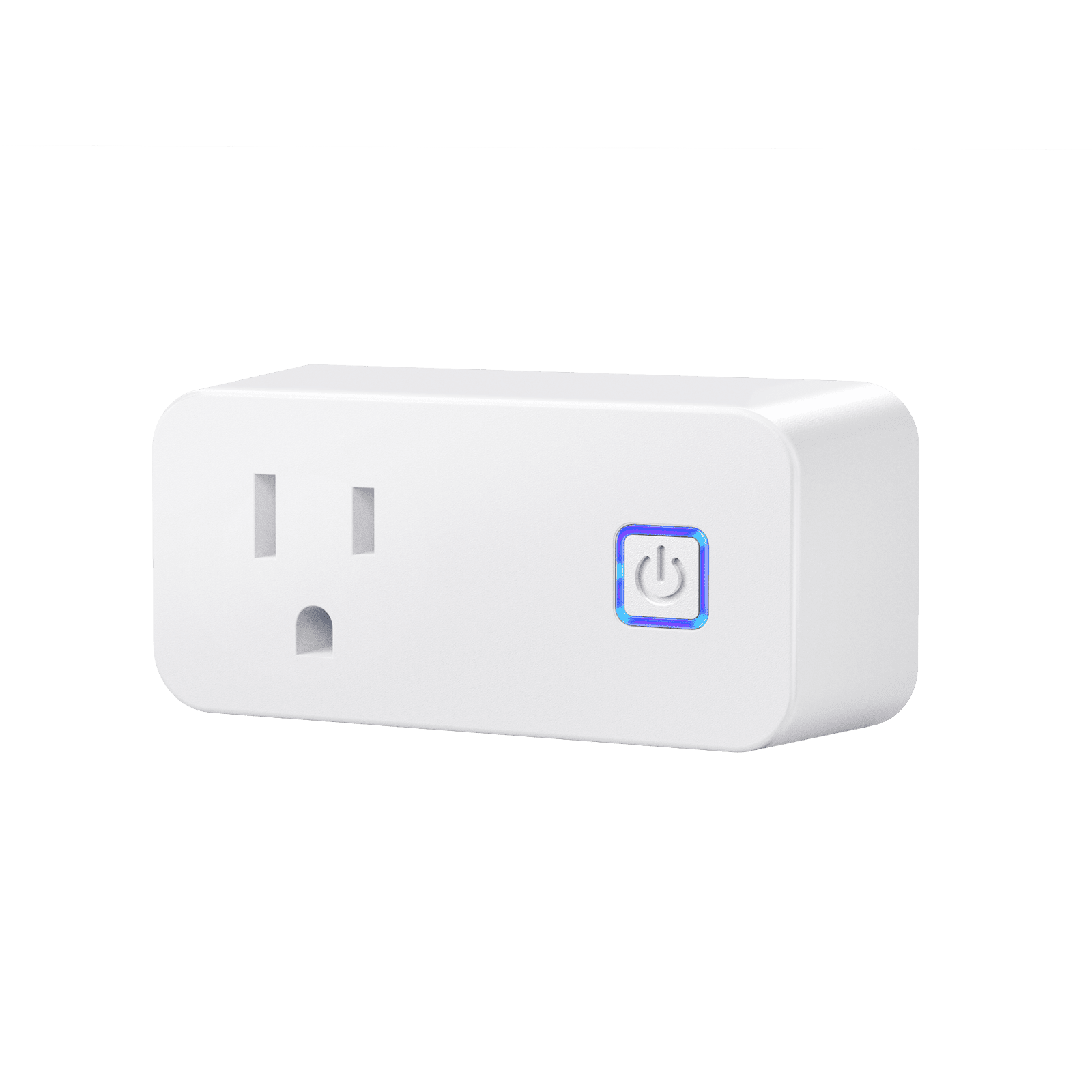
H3
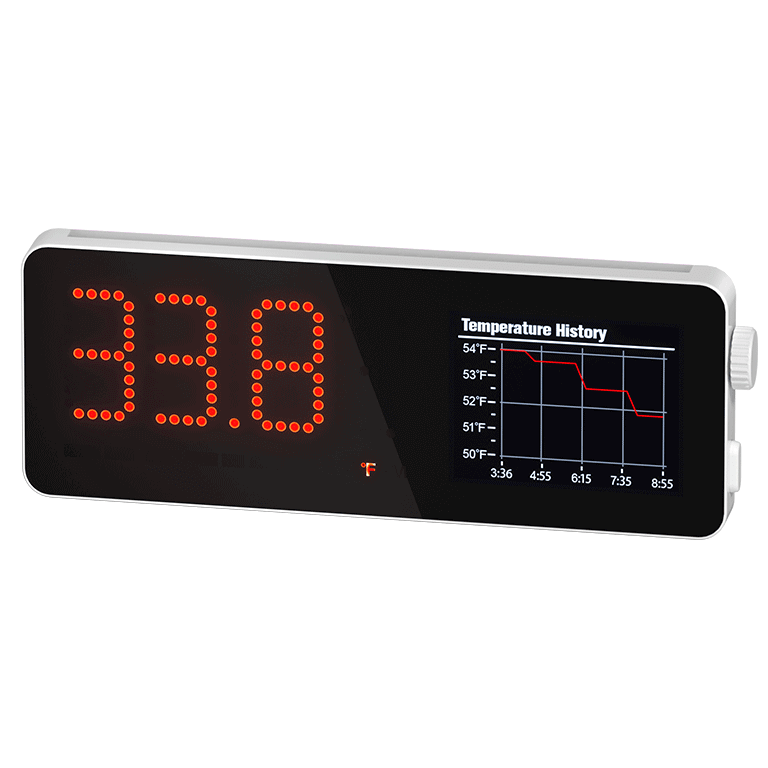
H5-Lite
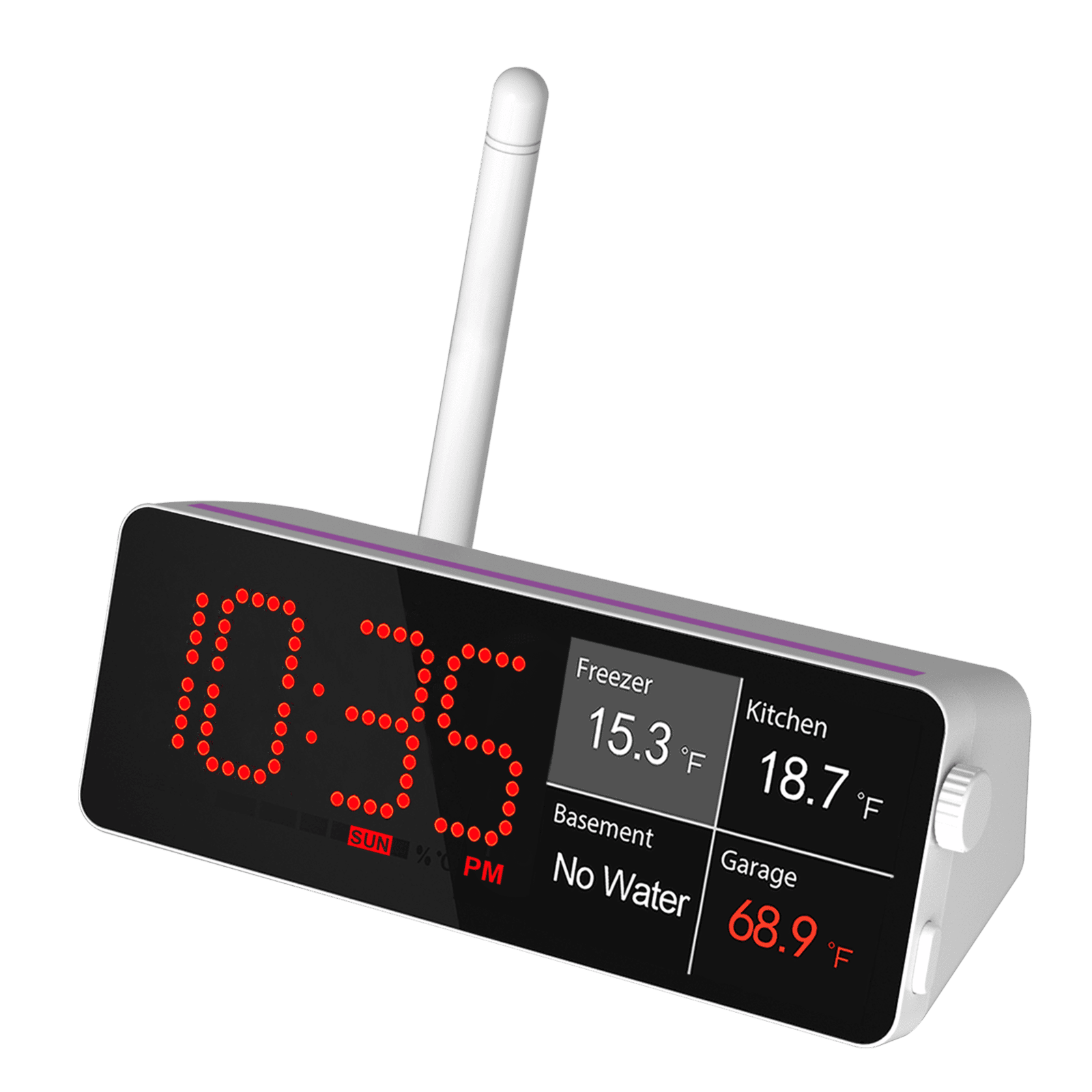
H5-Pro
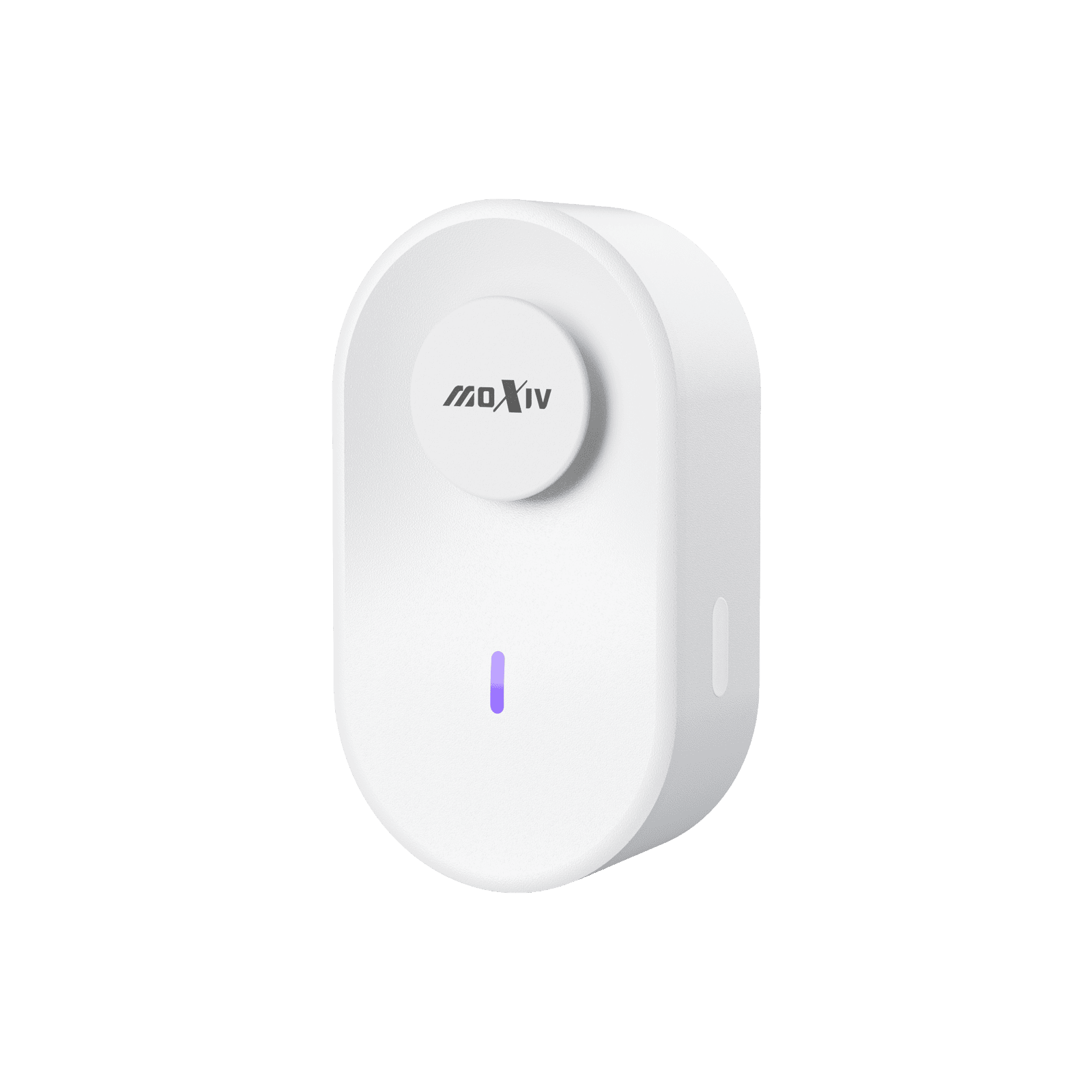
H6 Lite
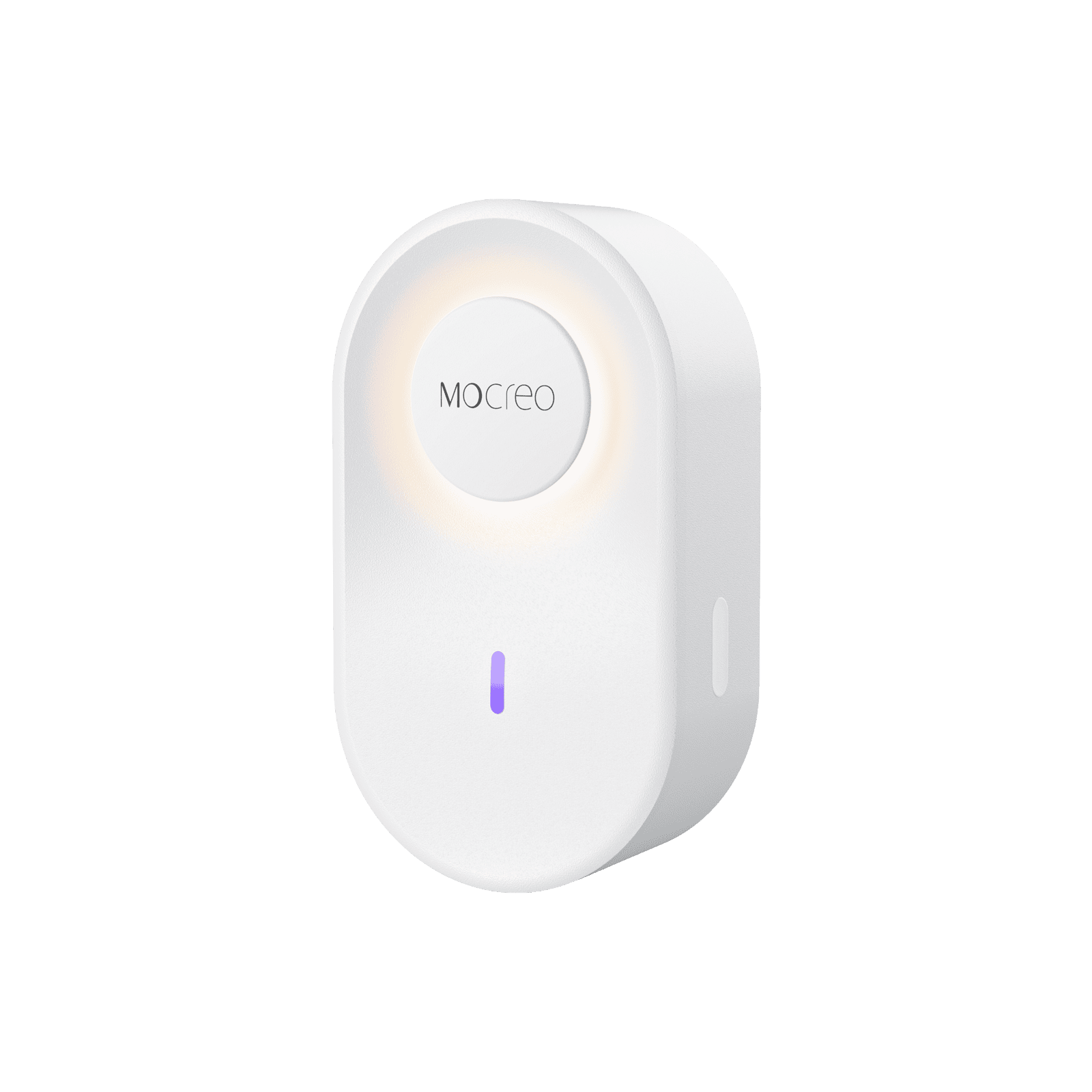
H6 Pro
Sensors and Accessories
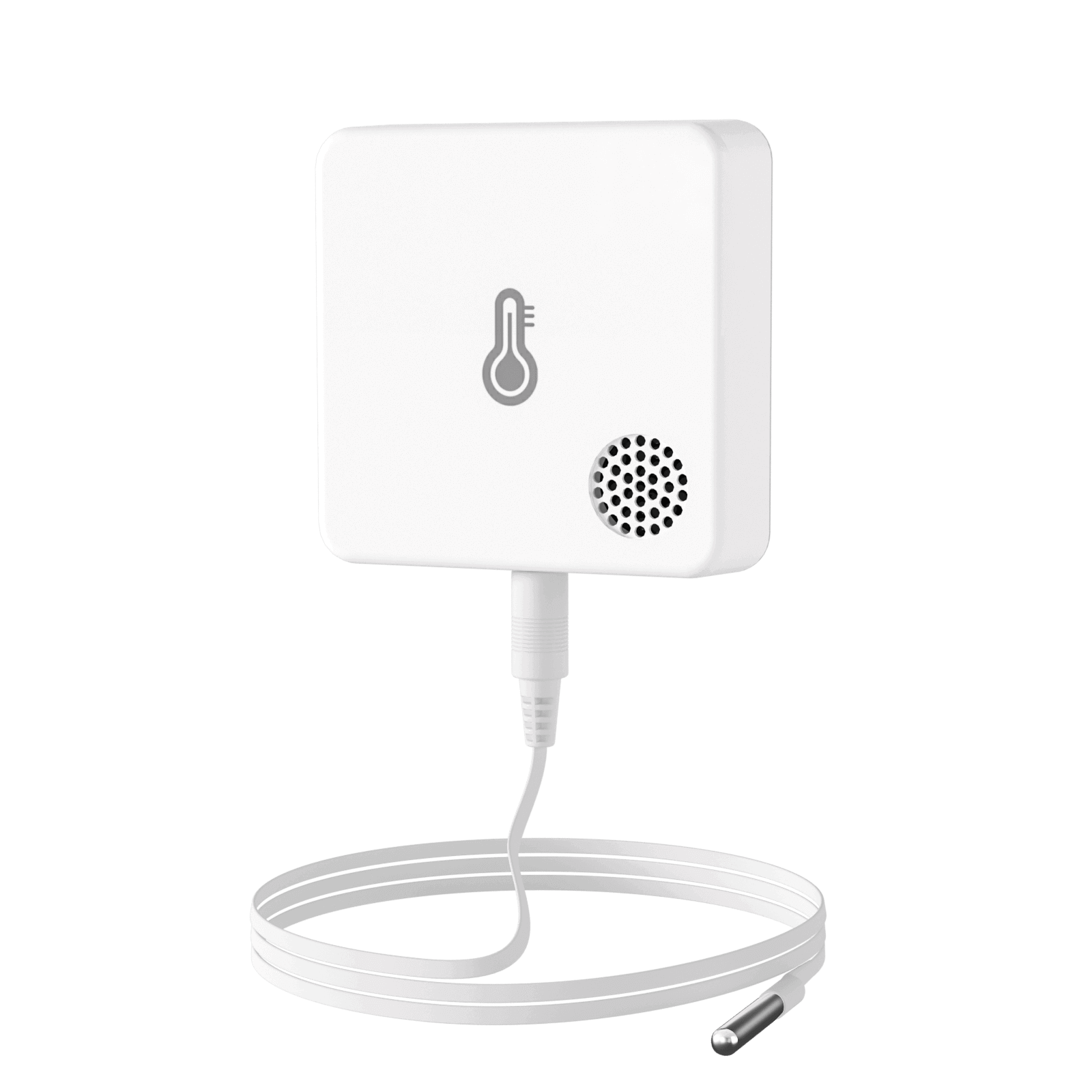
ST5
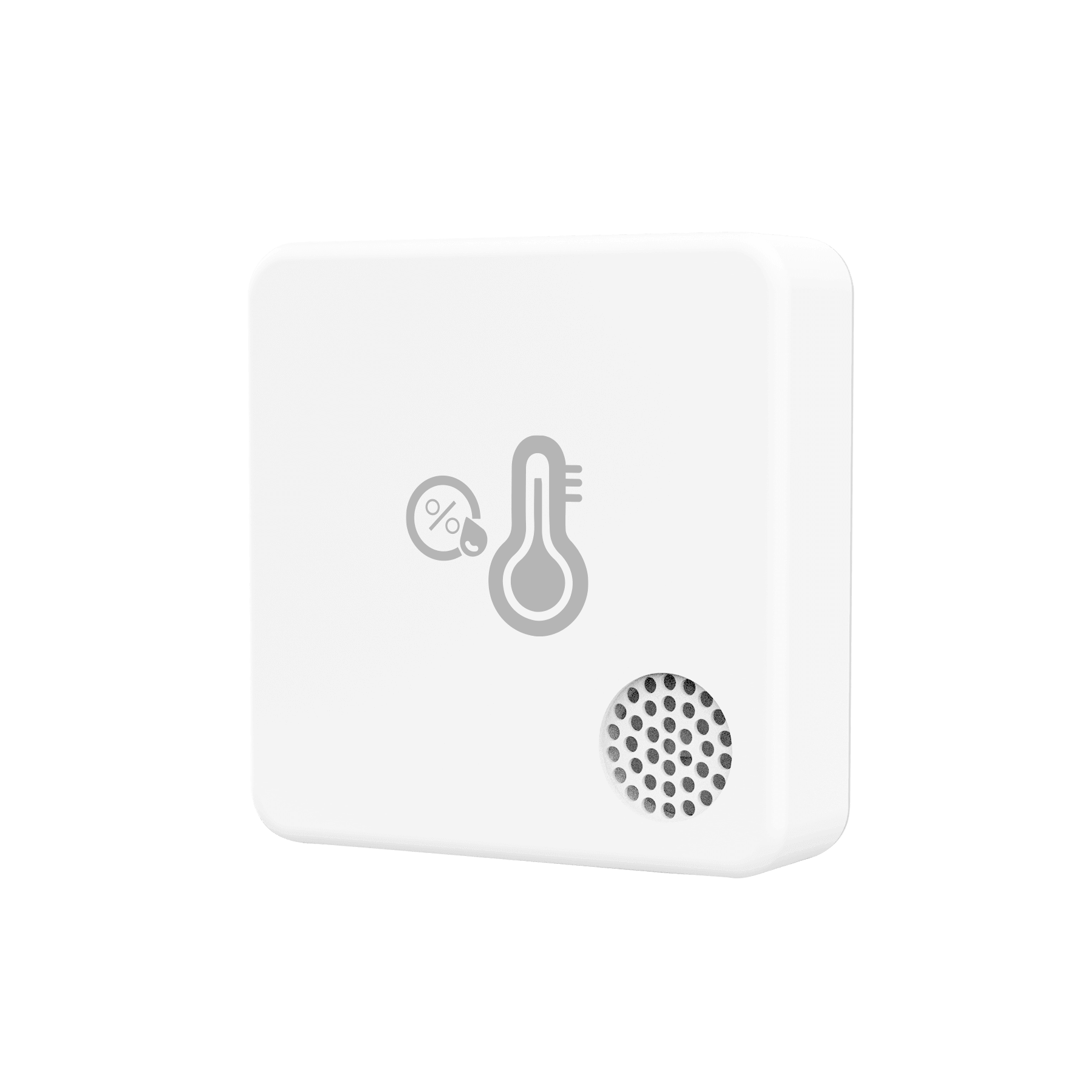
ST6
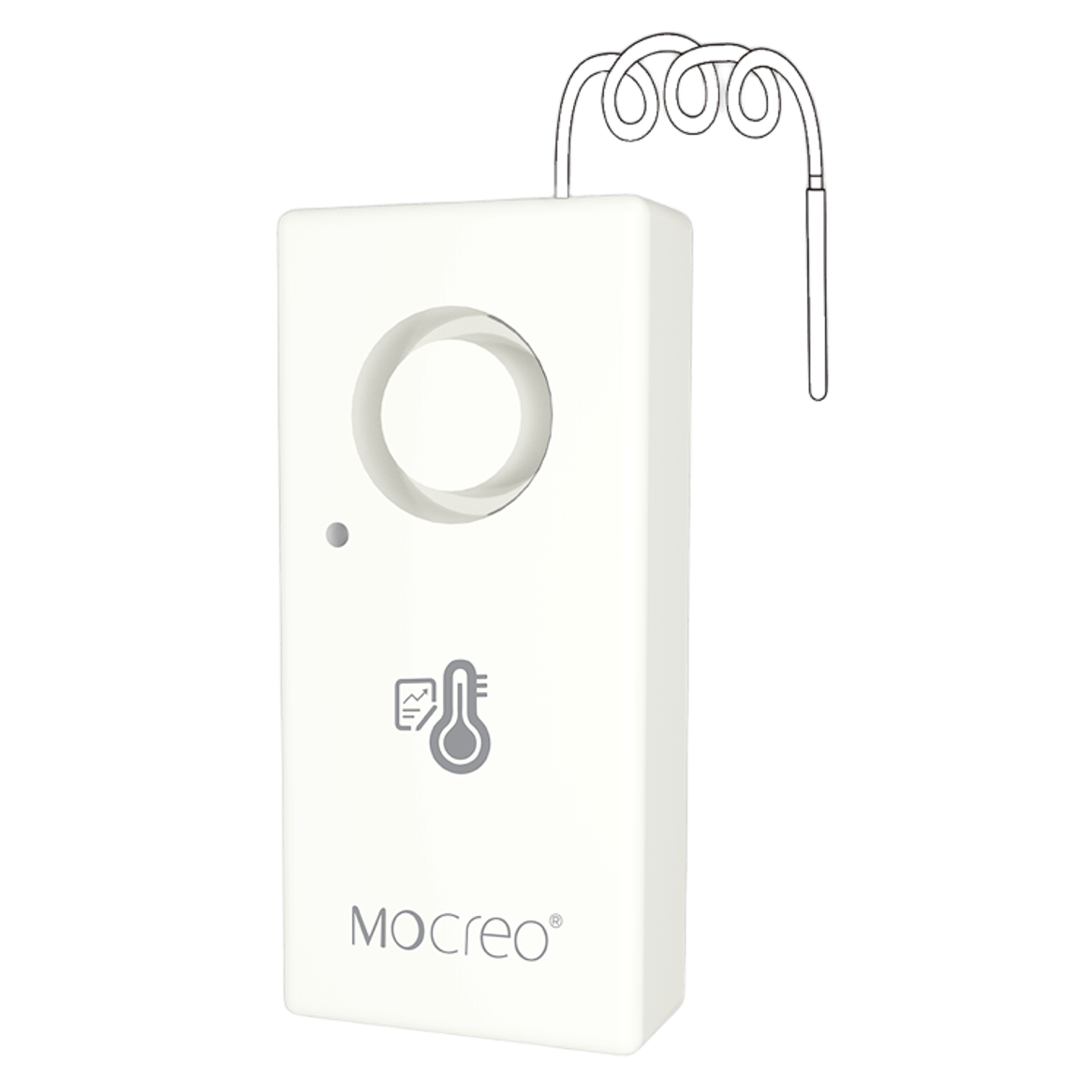
ST8
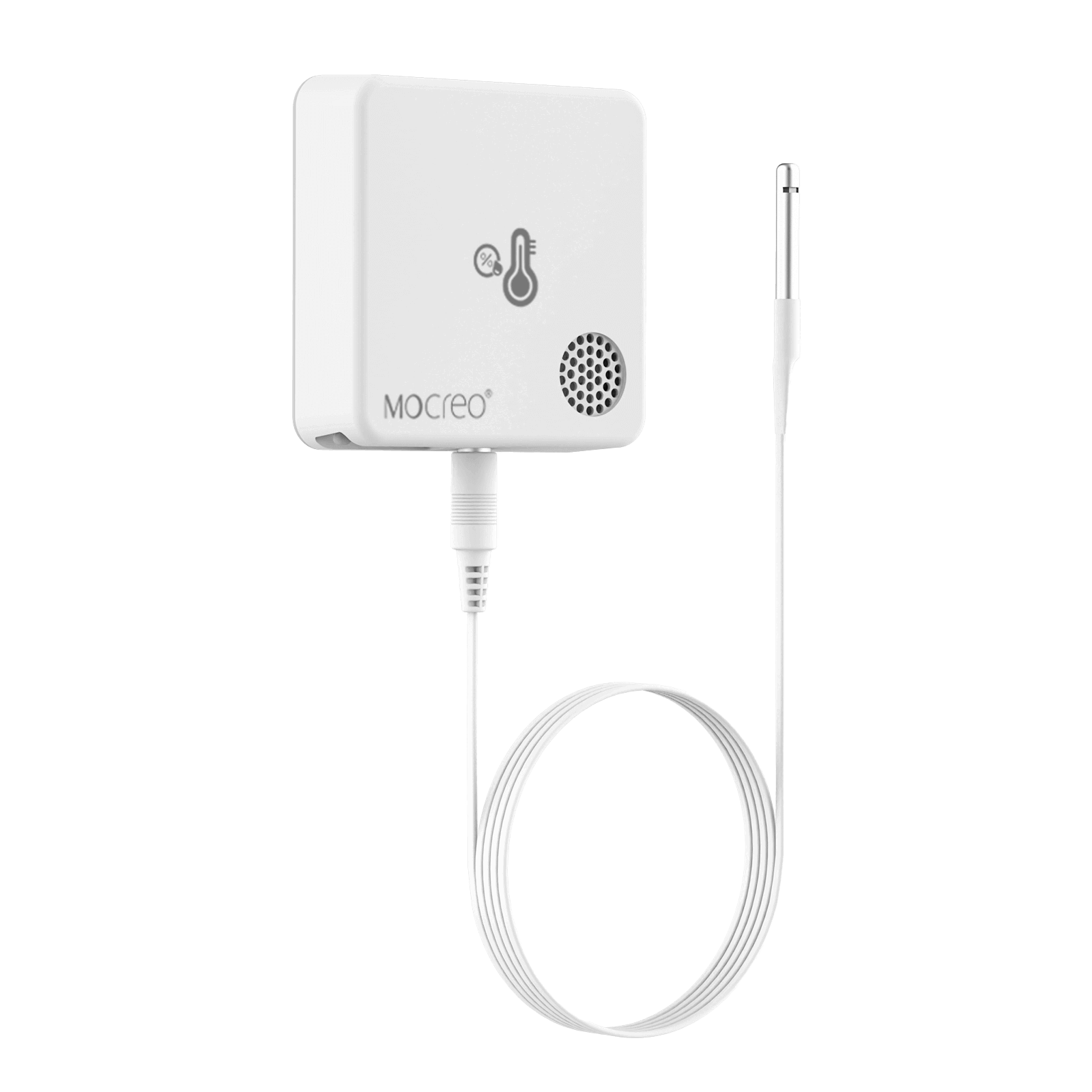
ST9
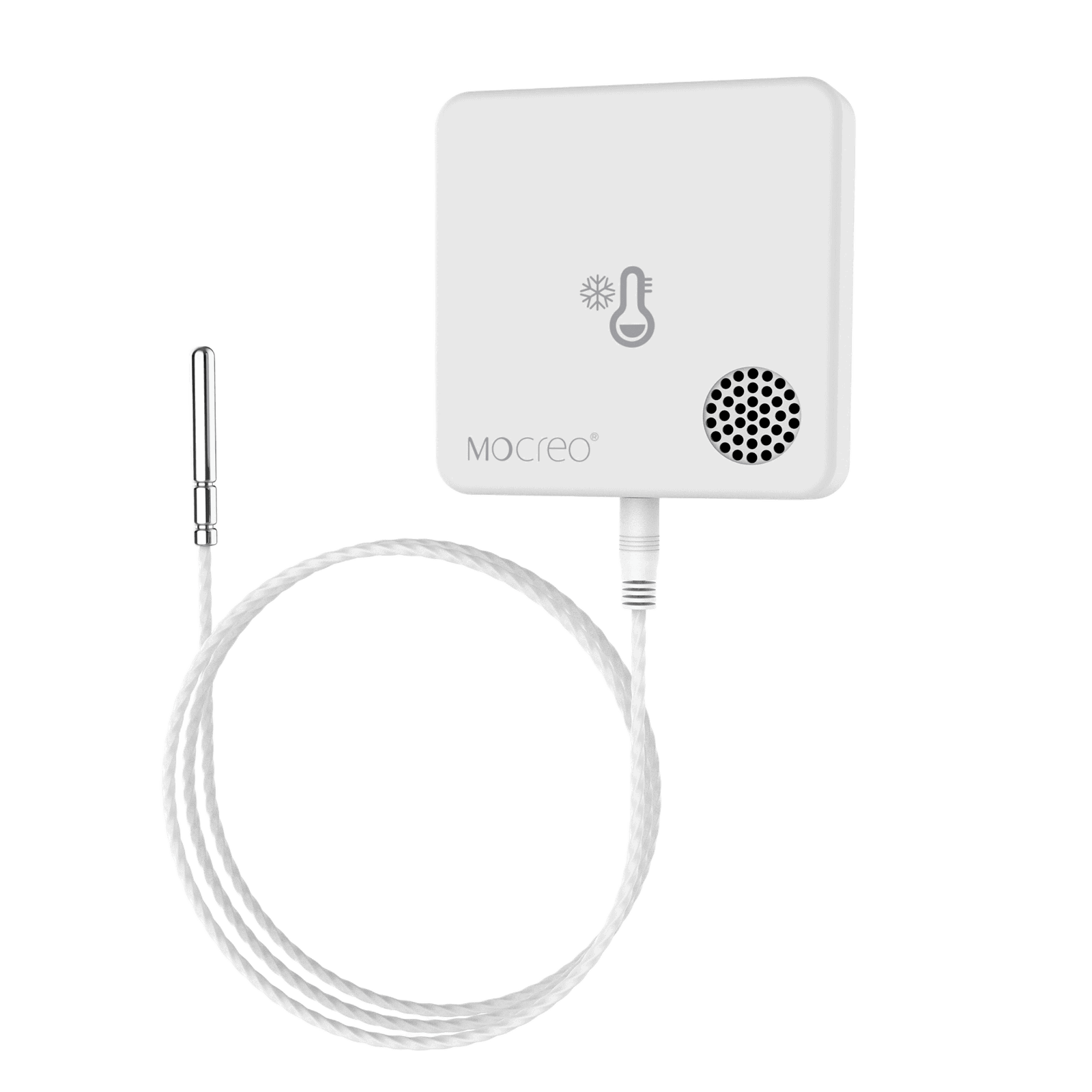
ST10
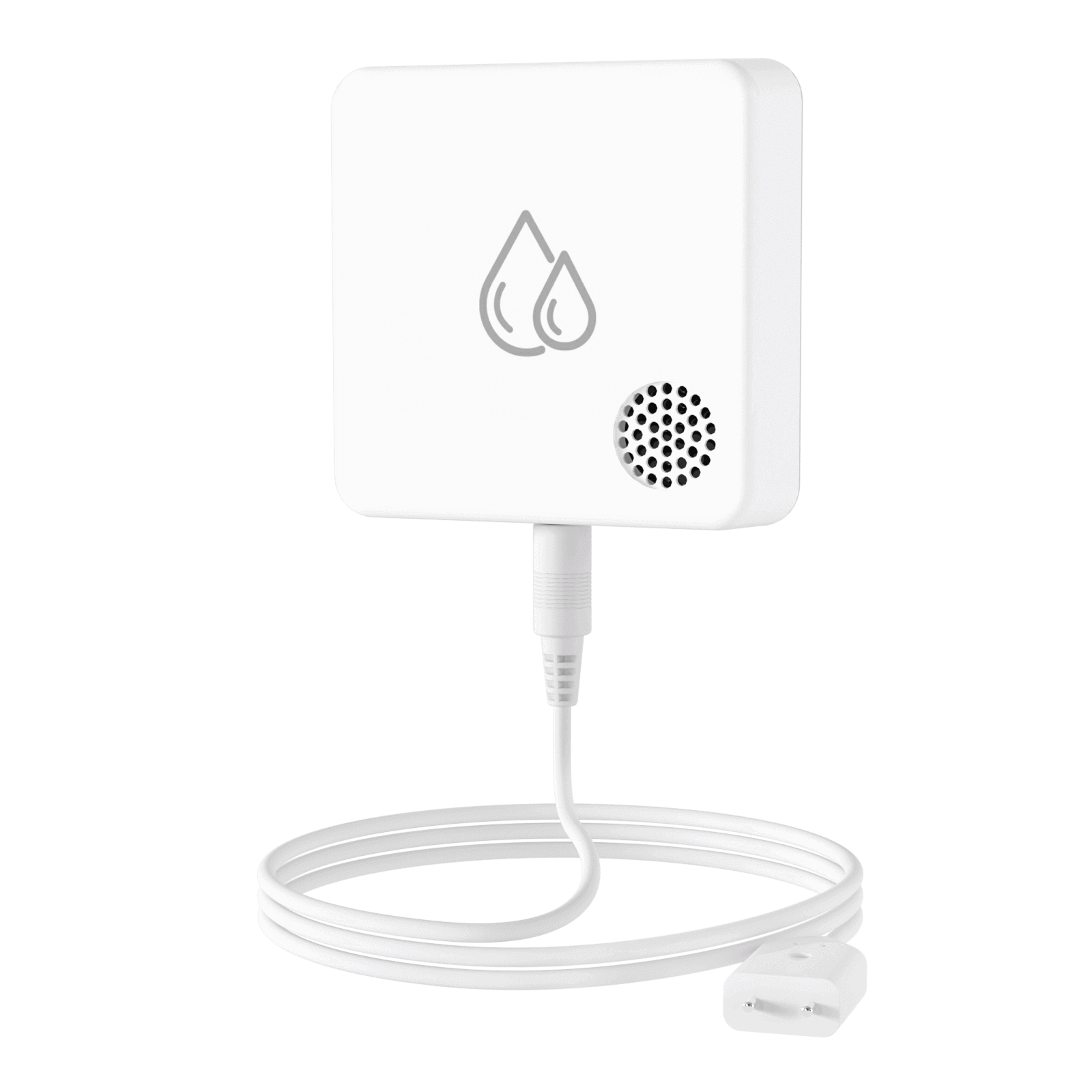
SW2
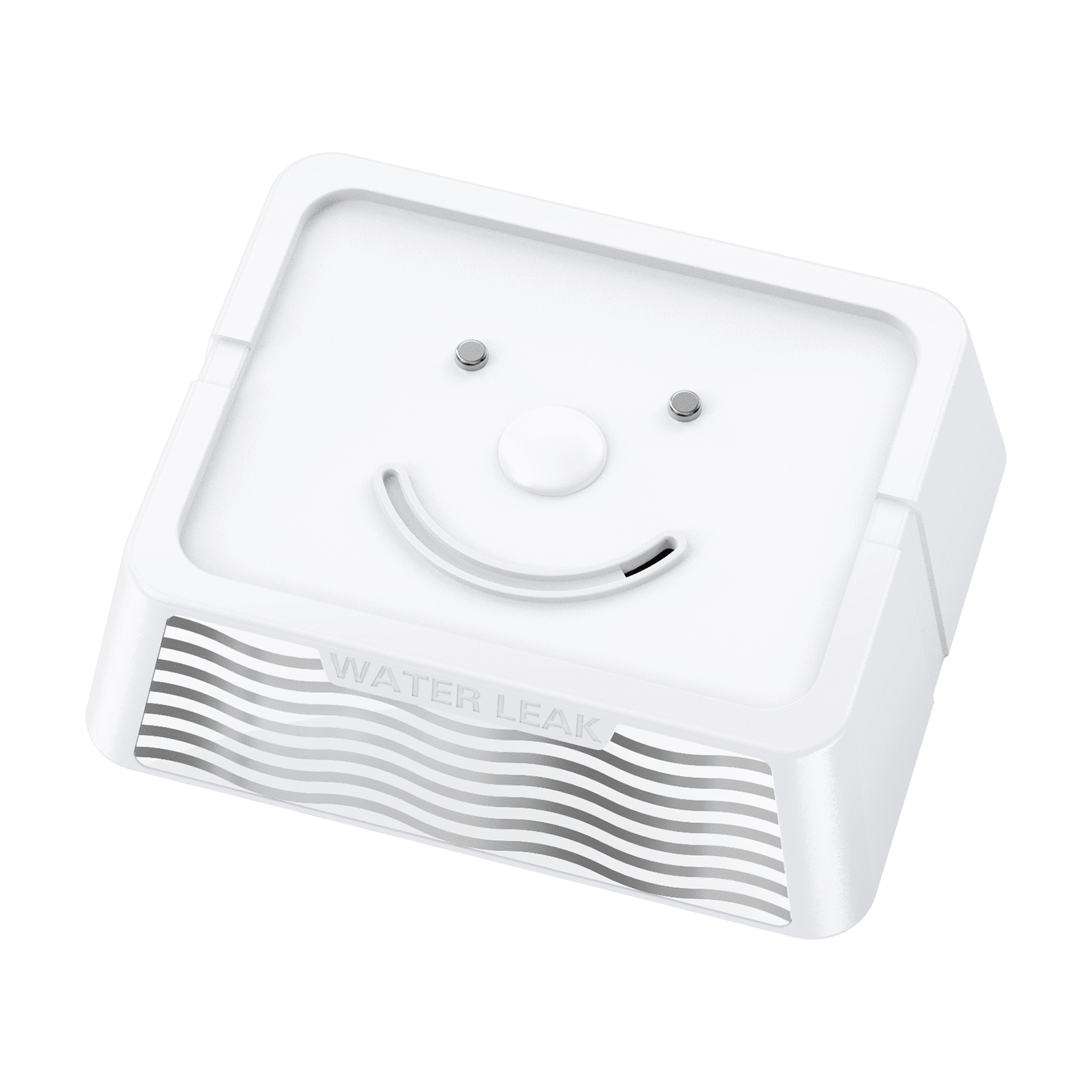
SW3
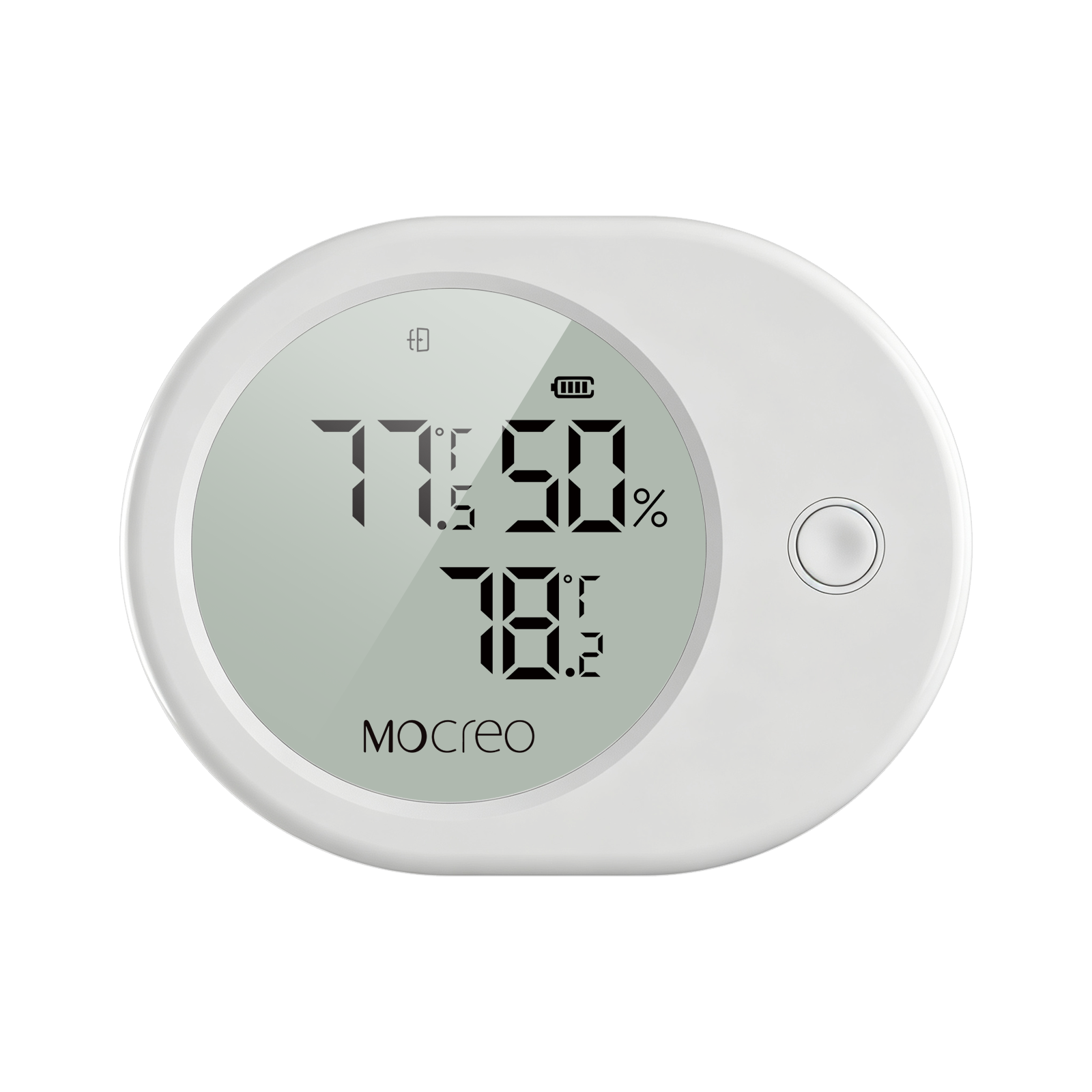
SD1
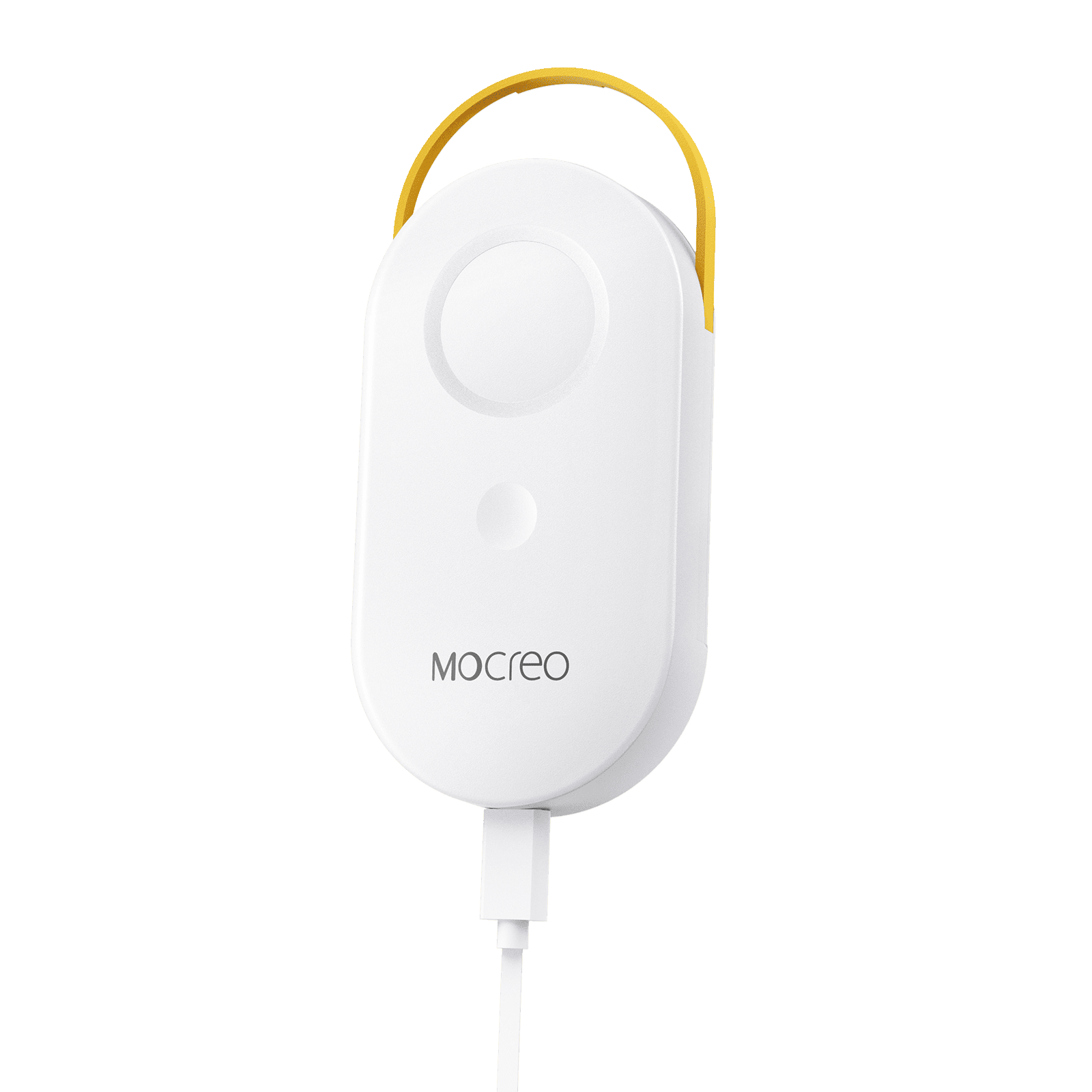
MS1
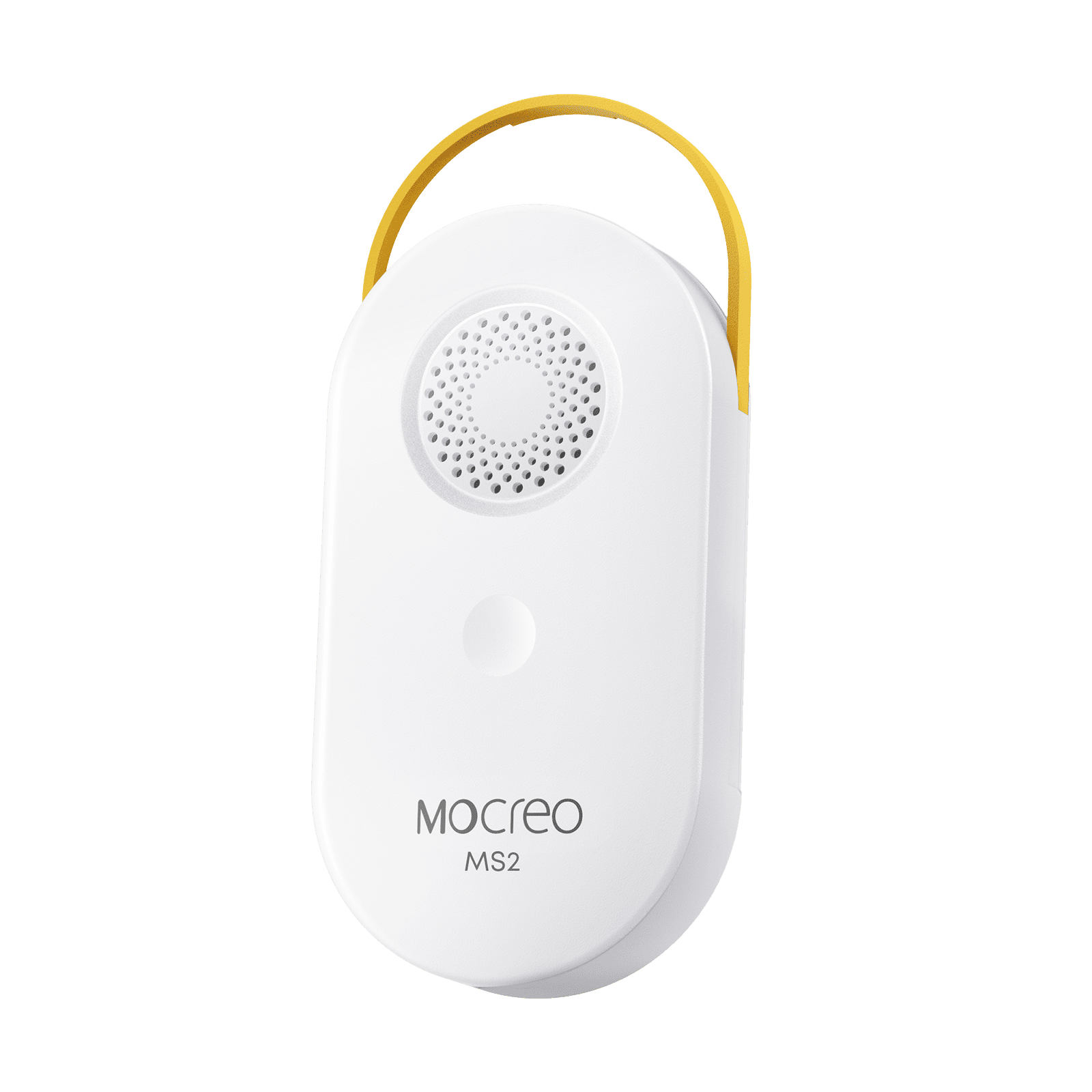
MS2
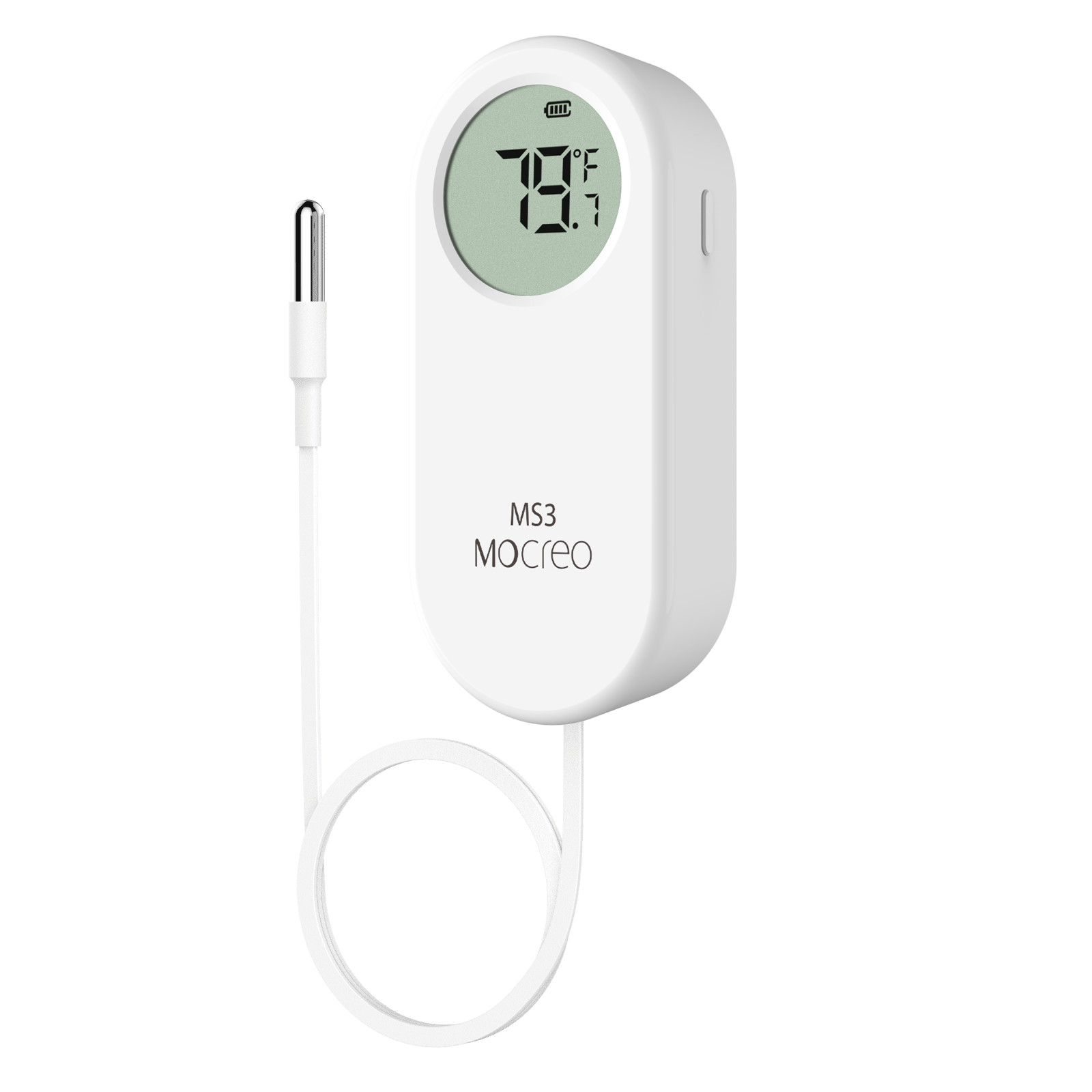
MS3
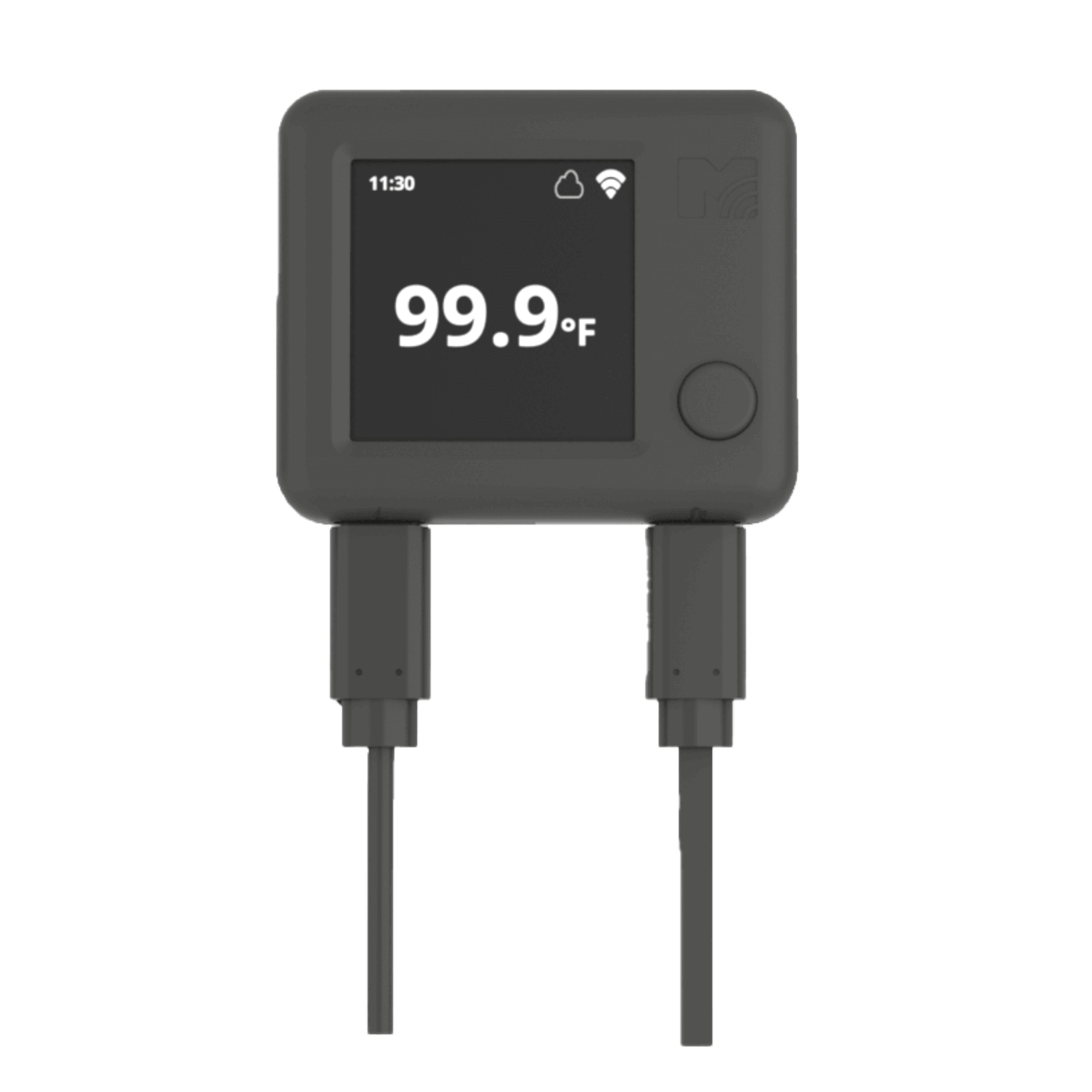
NS1
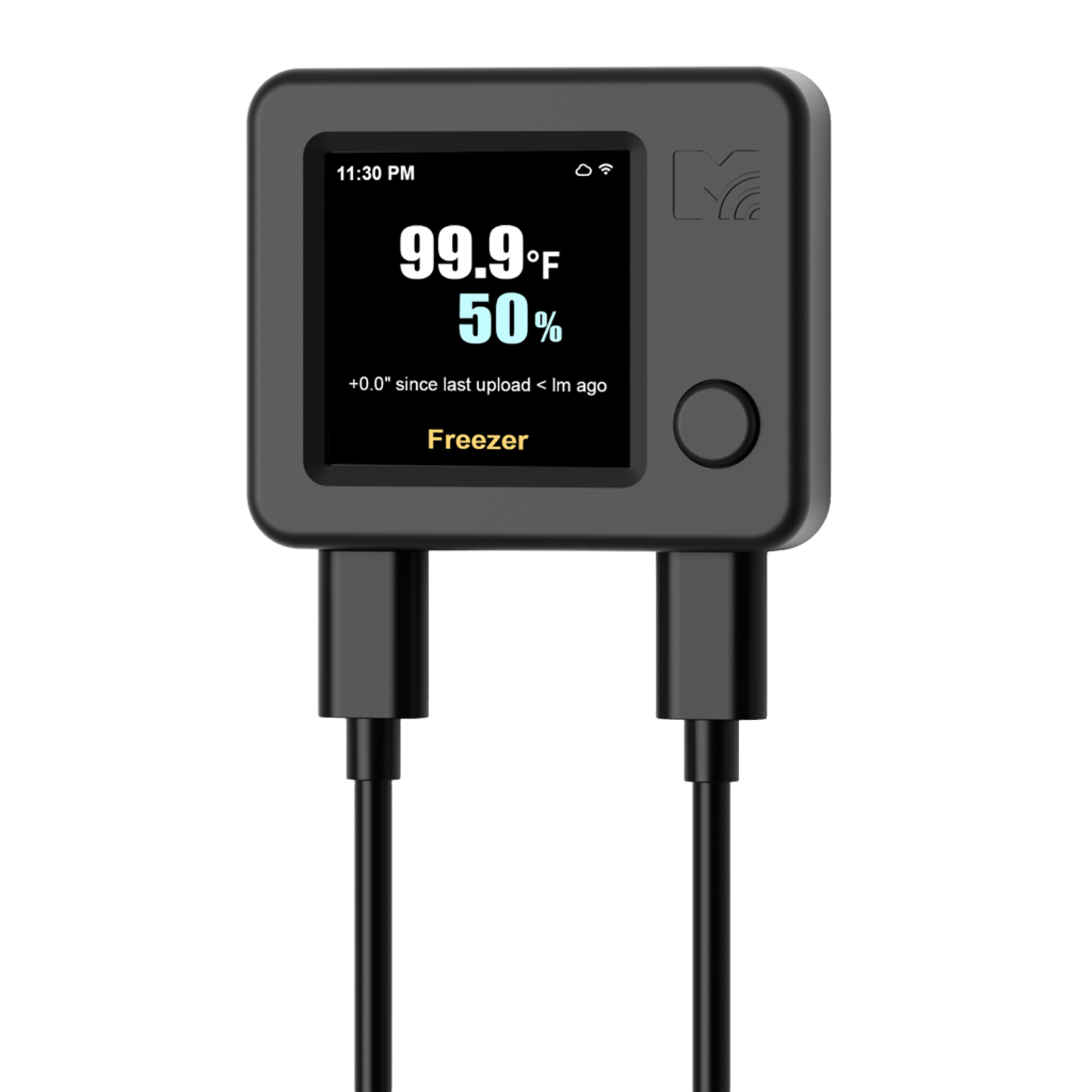
NS2
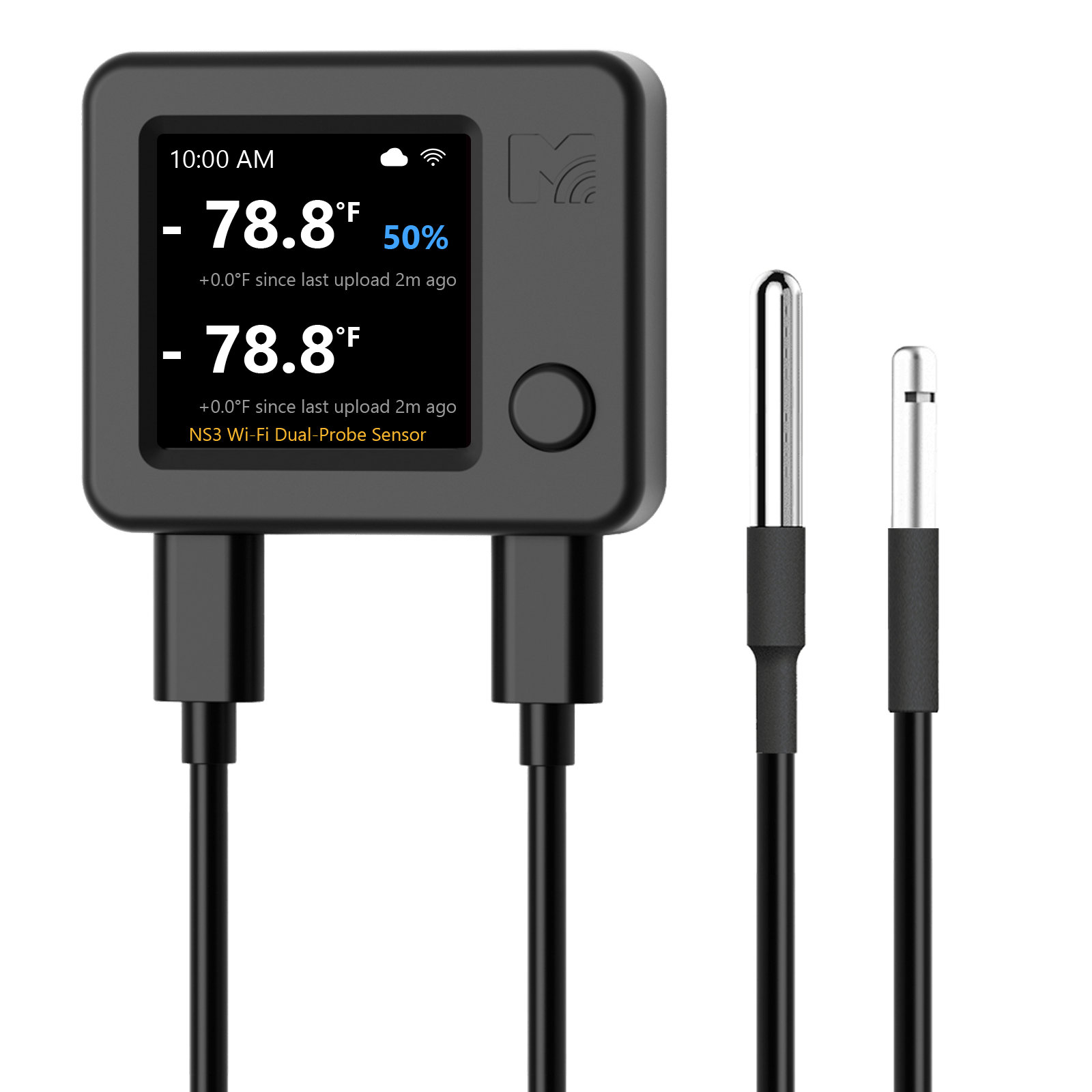
NS3
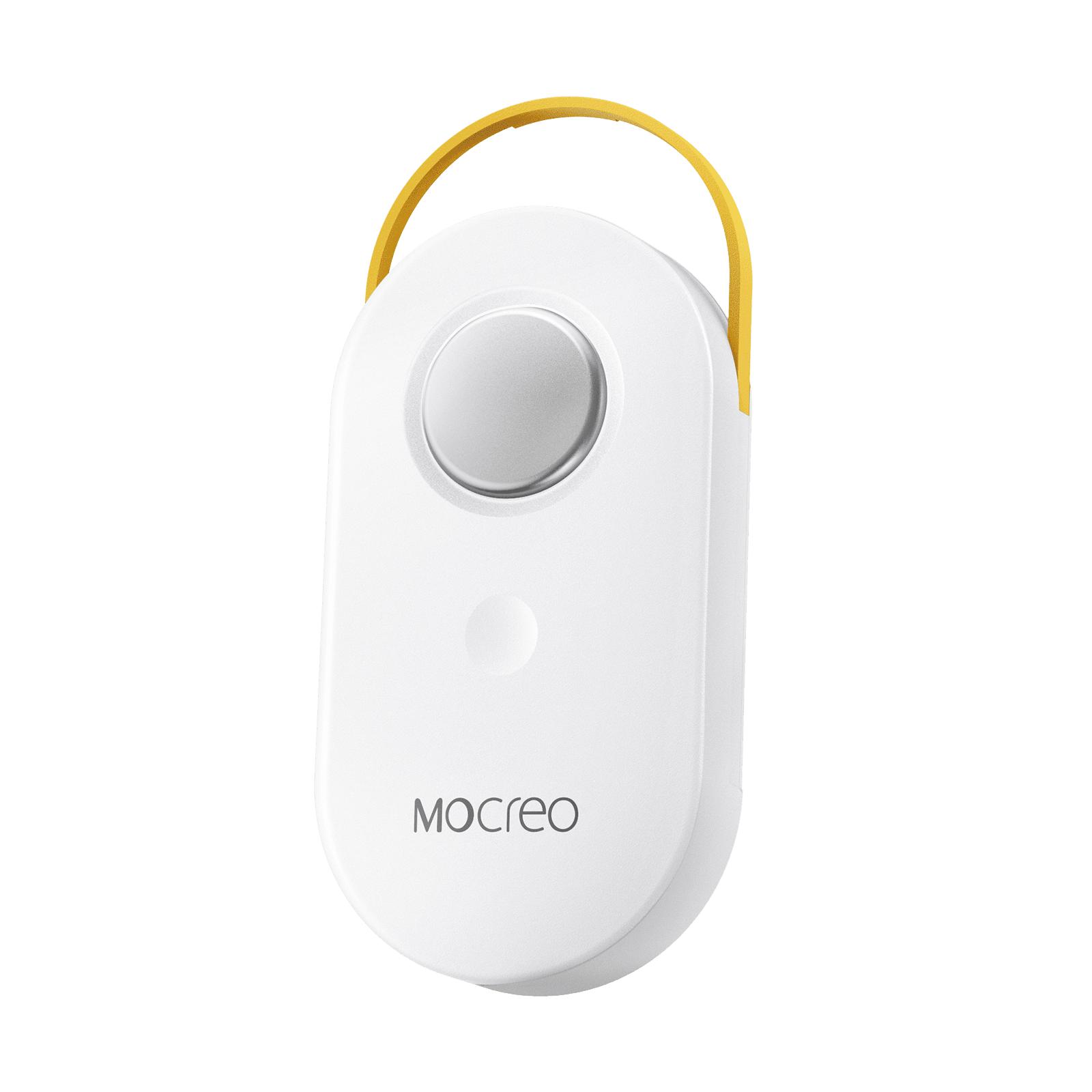
LS1
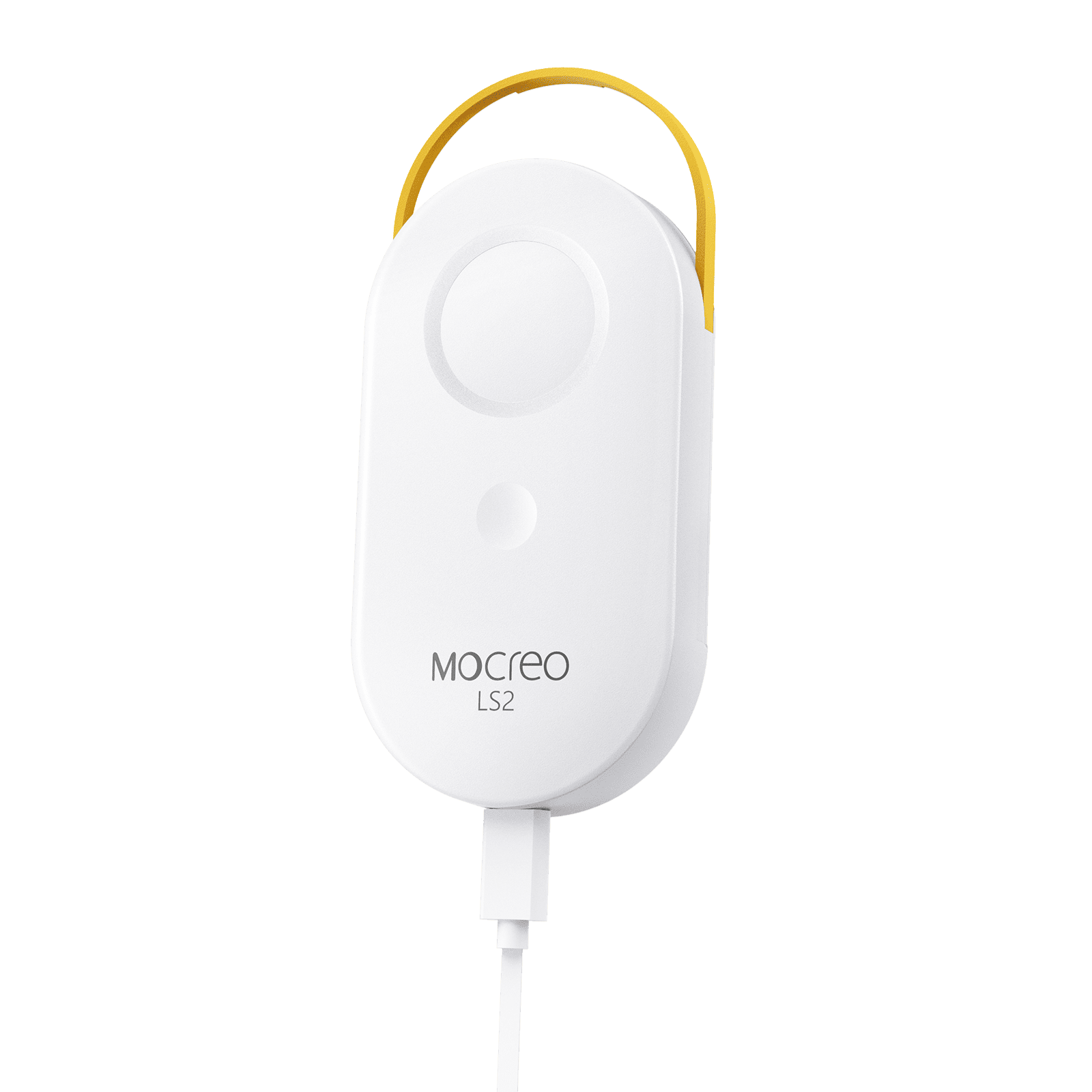
LS2
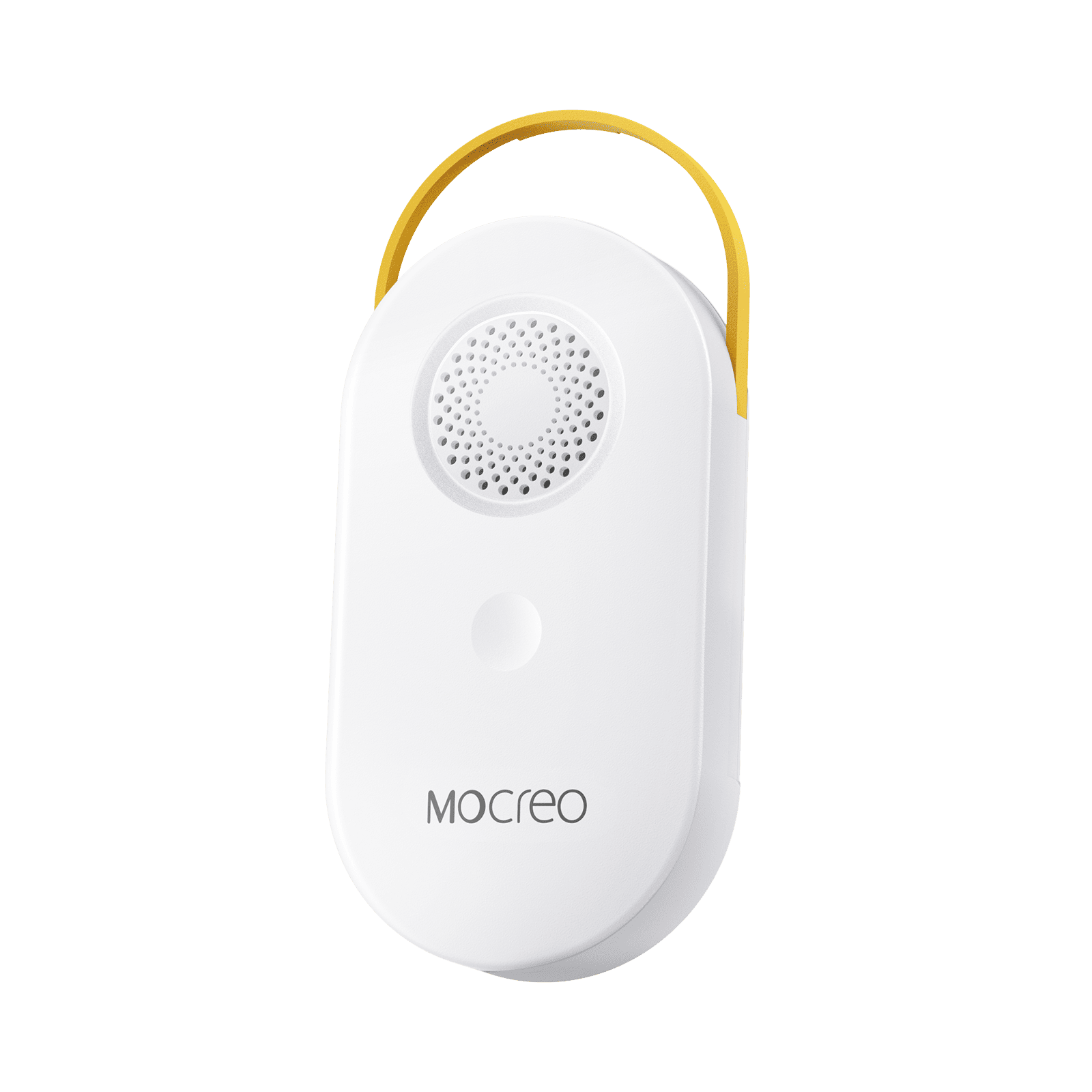
LS3
LW1
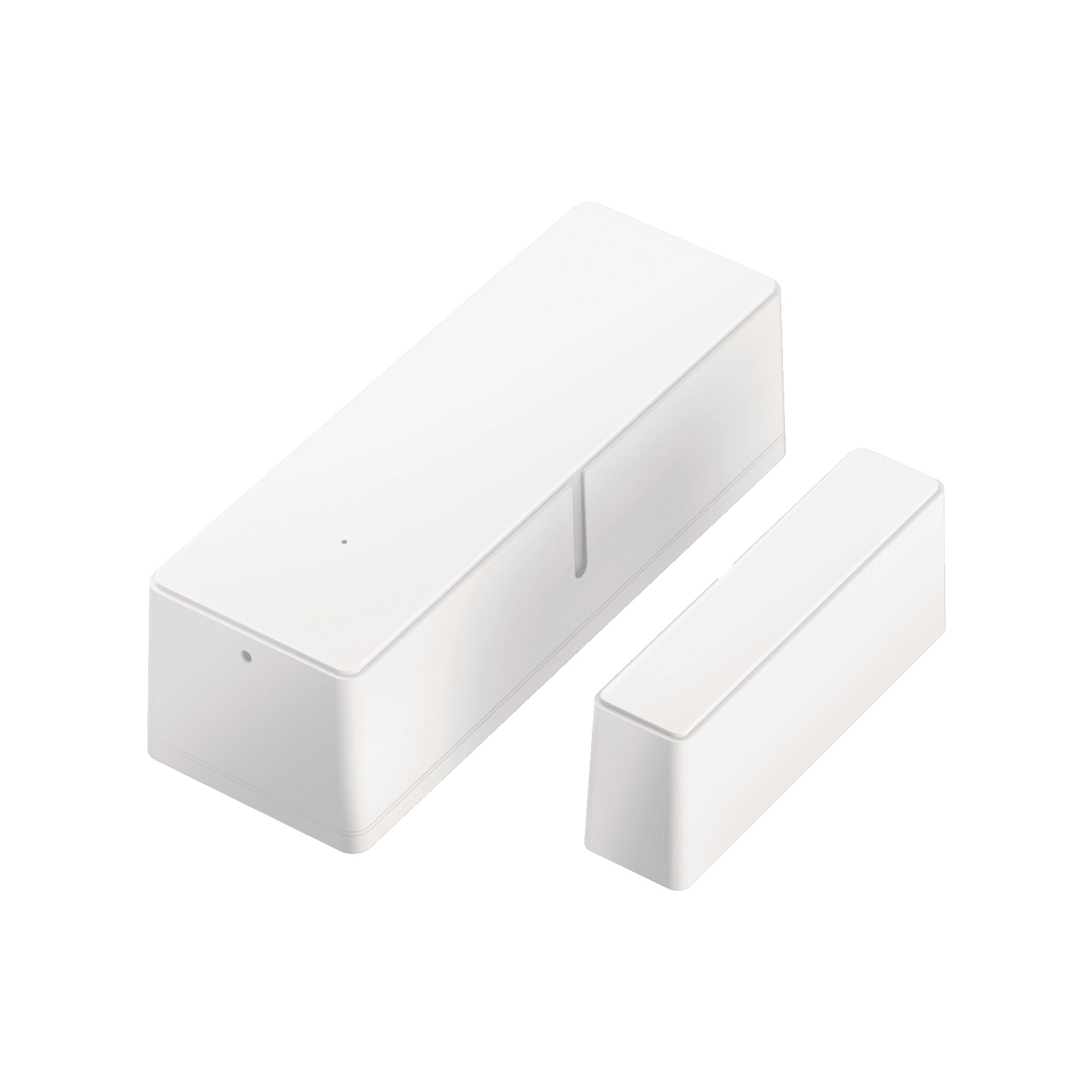
LD1
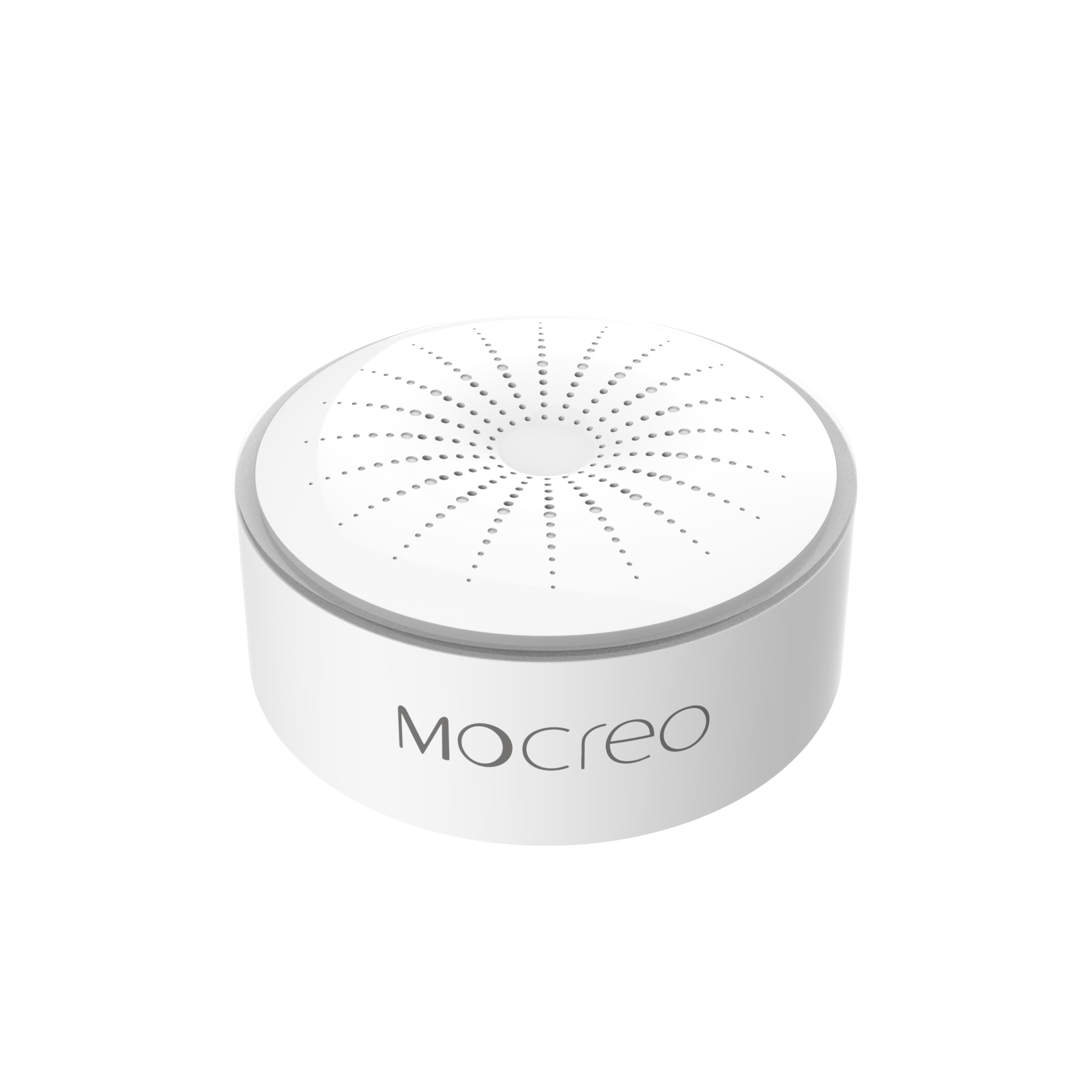
LB1
After confirming compatibility, continue to Add Devices in the App.
When to Use the MOCREO Sensor App
If your purchased device is not shown above, it most likely requires the MOCREO Sensor App.
The models supported by both systems are ST5, ST6, ST8, ST9, ST10, SW2, MS1, and MS2.