Sensor Deployment Guide
Contact SupportIdentify the model printed on your sensor, then select it below to open its mounting, placement, and verification guide.
Identify the model printed on your sensor, then select it below to open its mounting, placement, and verification guide.
Temperature Only
NS1
Velcro mounting, probe routing, Wi-Fi, and cold-storage placement.
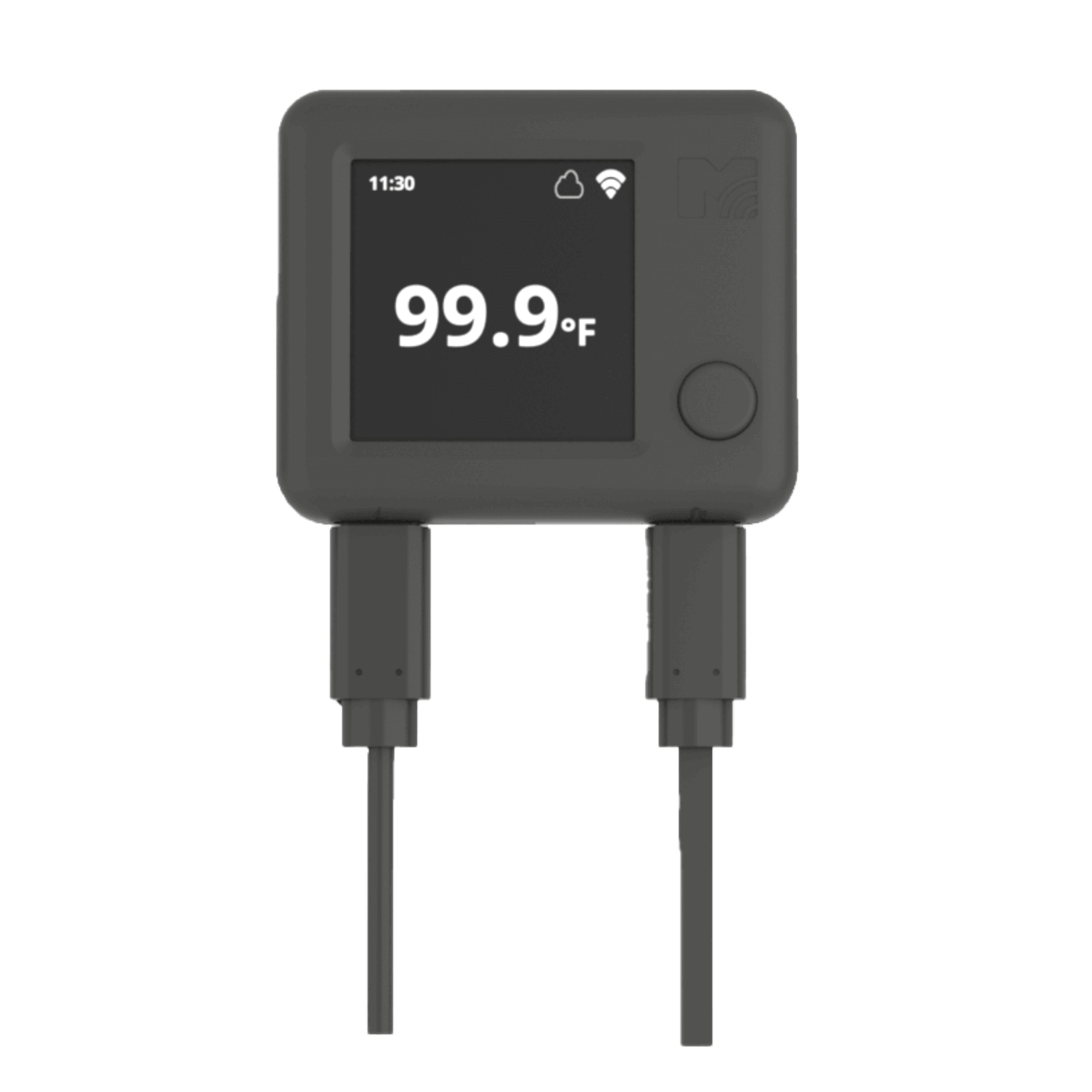
ST5
Velcro mounting and external probe placement.
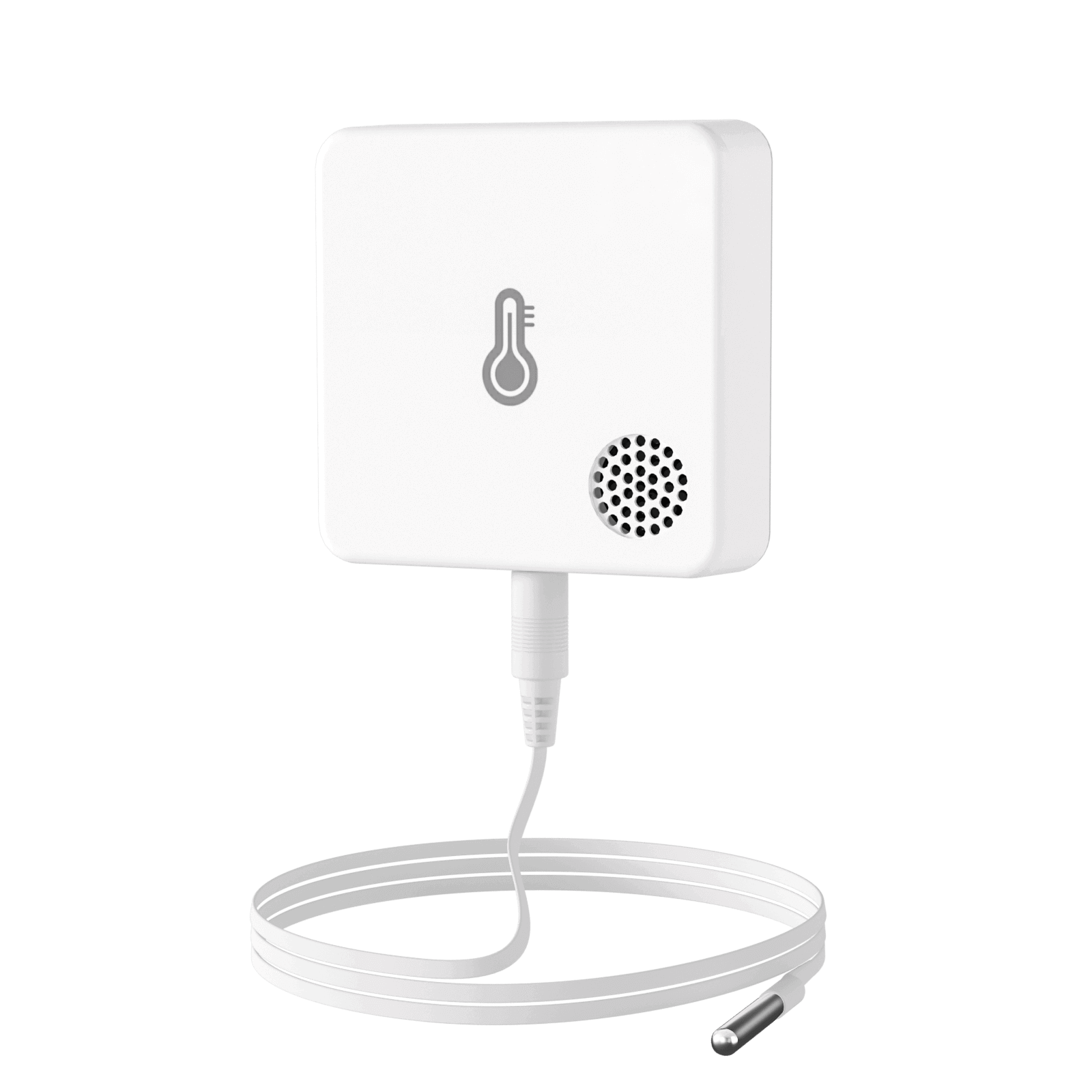
ST8
Stable flat-surface placement for high-temperature monitoring.
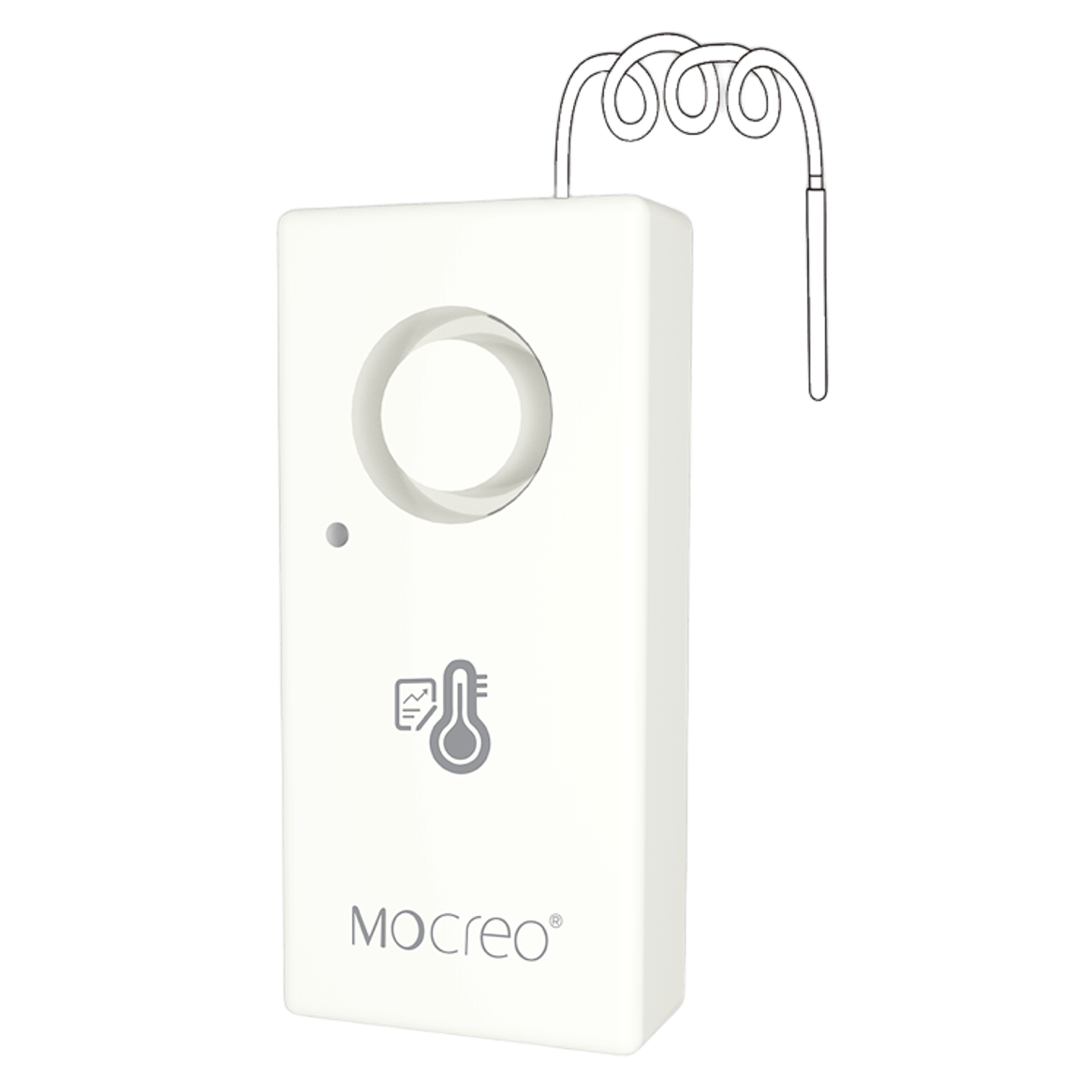
ST10
Velcro mounting and ultra-low-temperature probe placement.
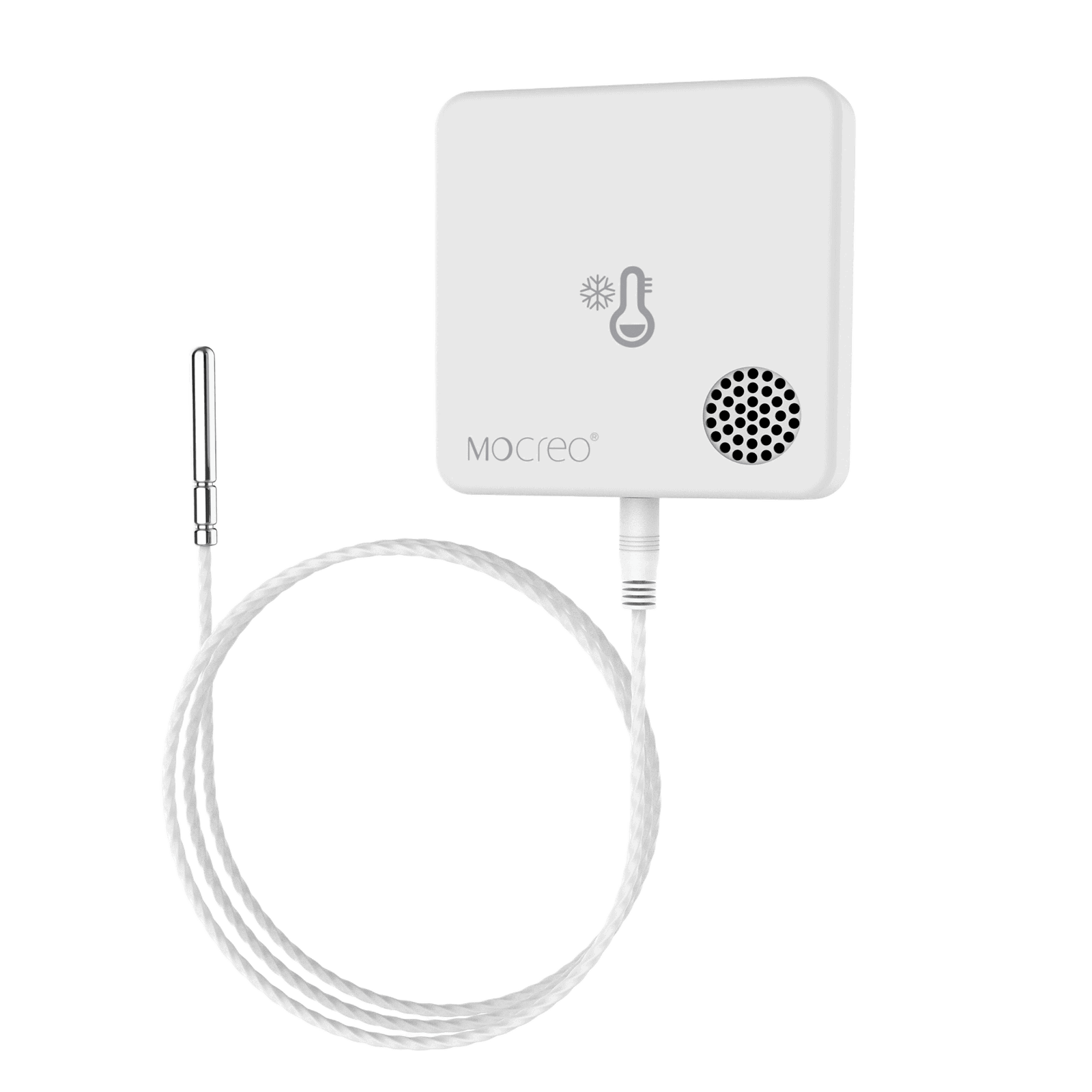
MS1
Hook mounting and external probe placement.
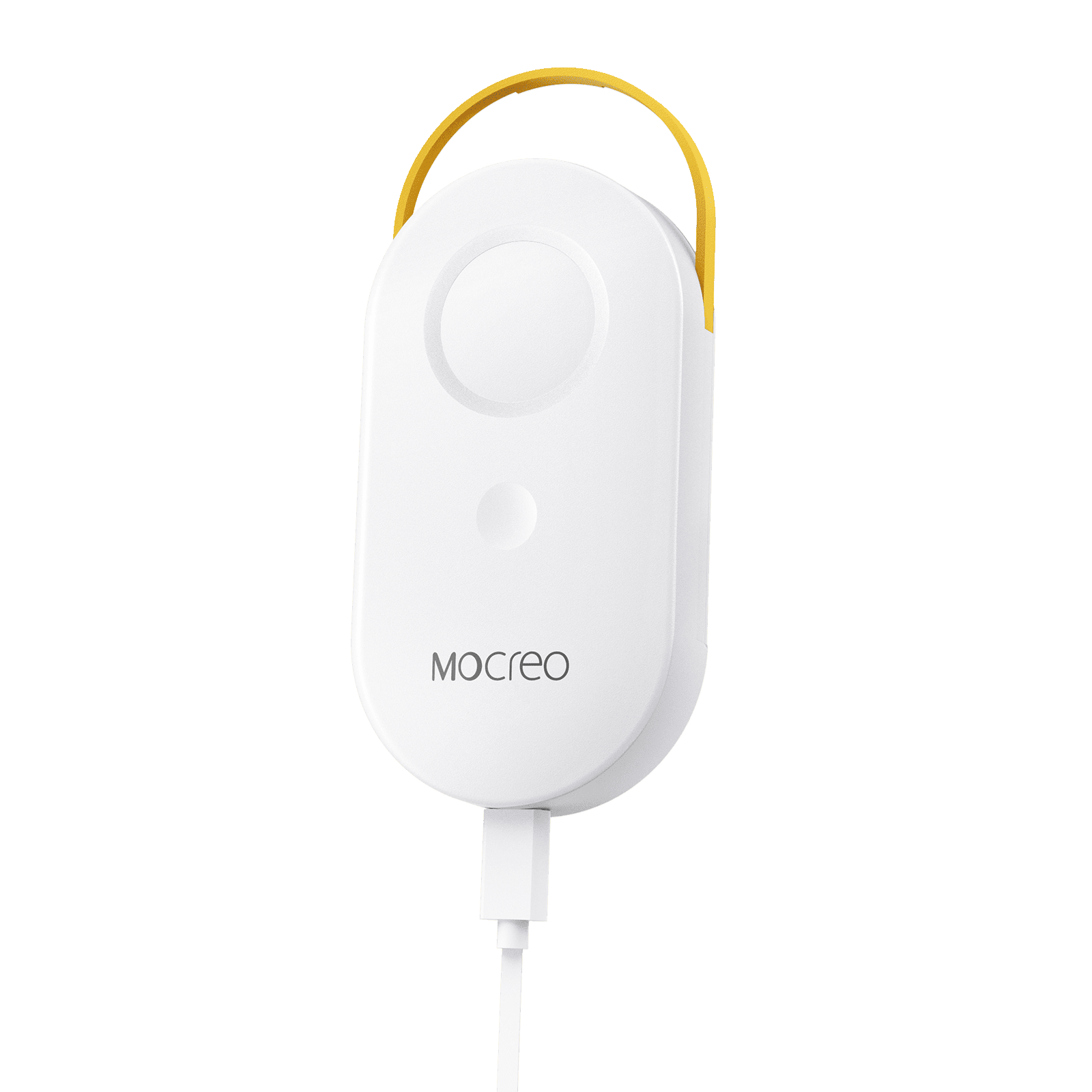
MS2
Magnetic or lanyard mounting with an external probe.
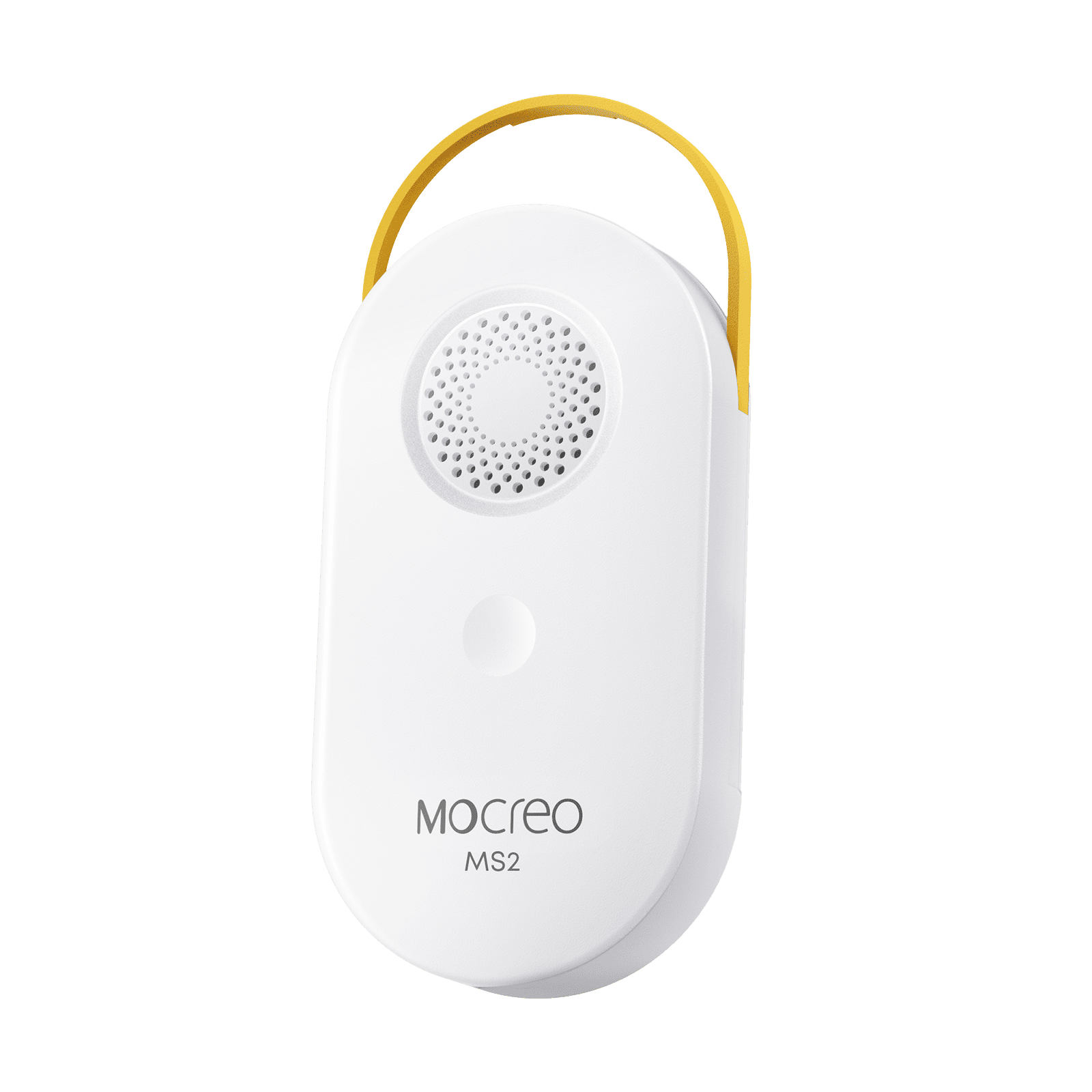
MS3
Magnetic or lanyard mounting with an external probe.
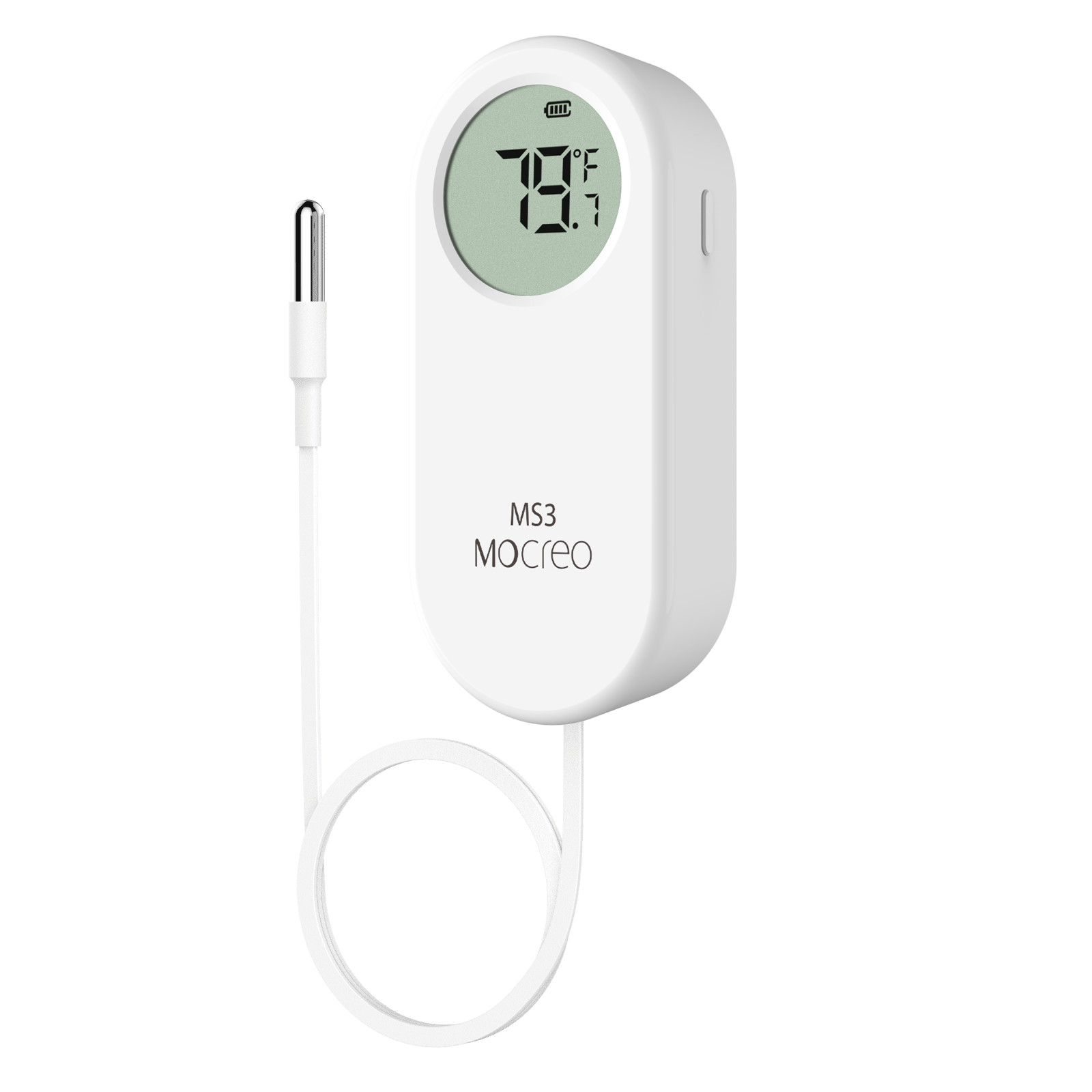
LS1
Velcro or loop mounting for long-range monitoring.
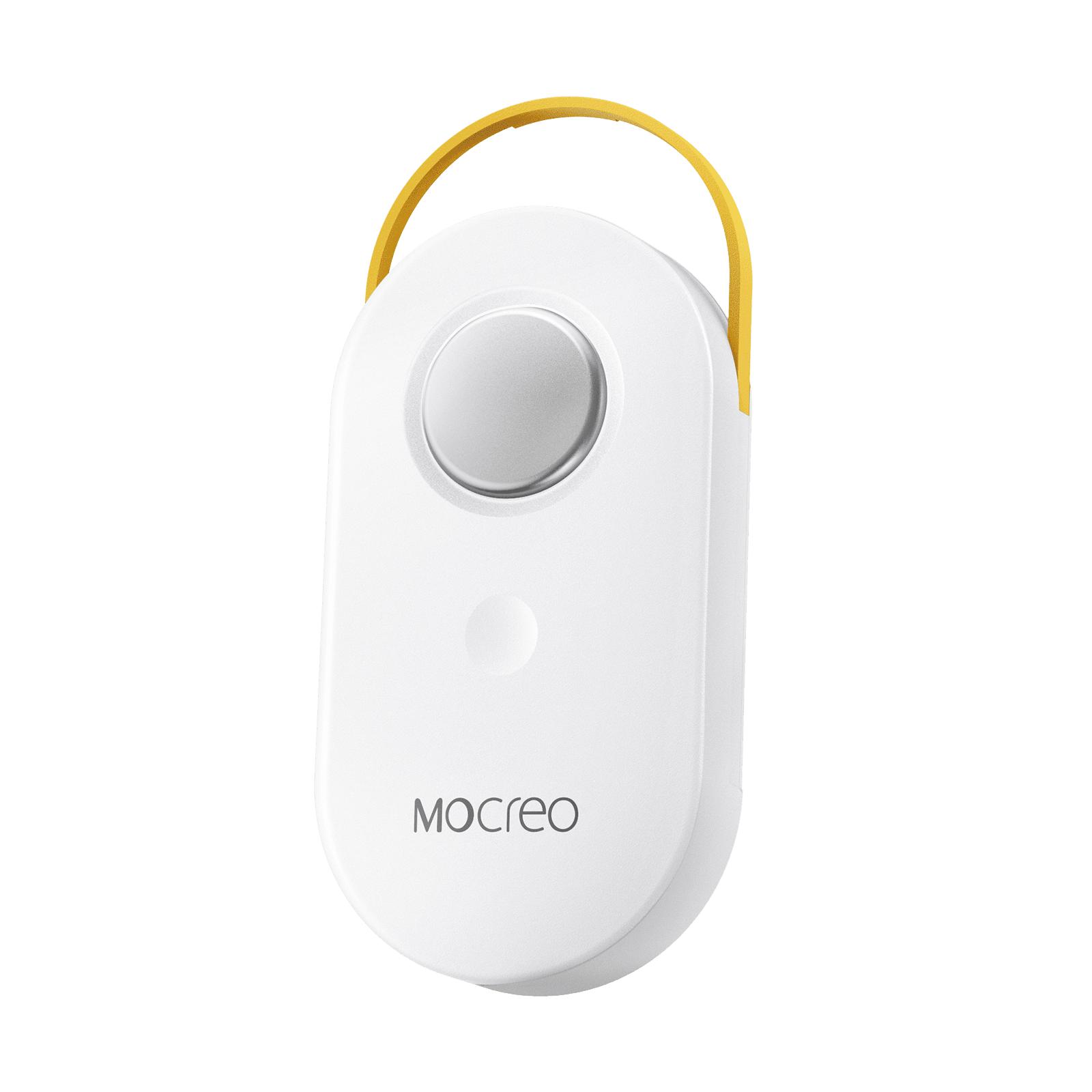
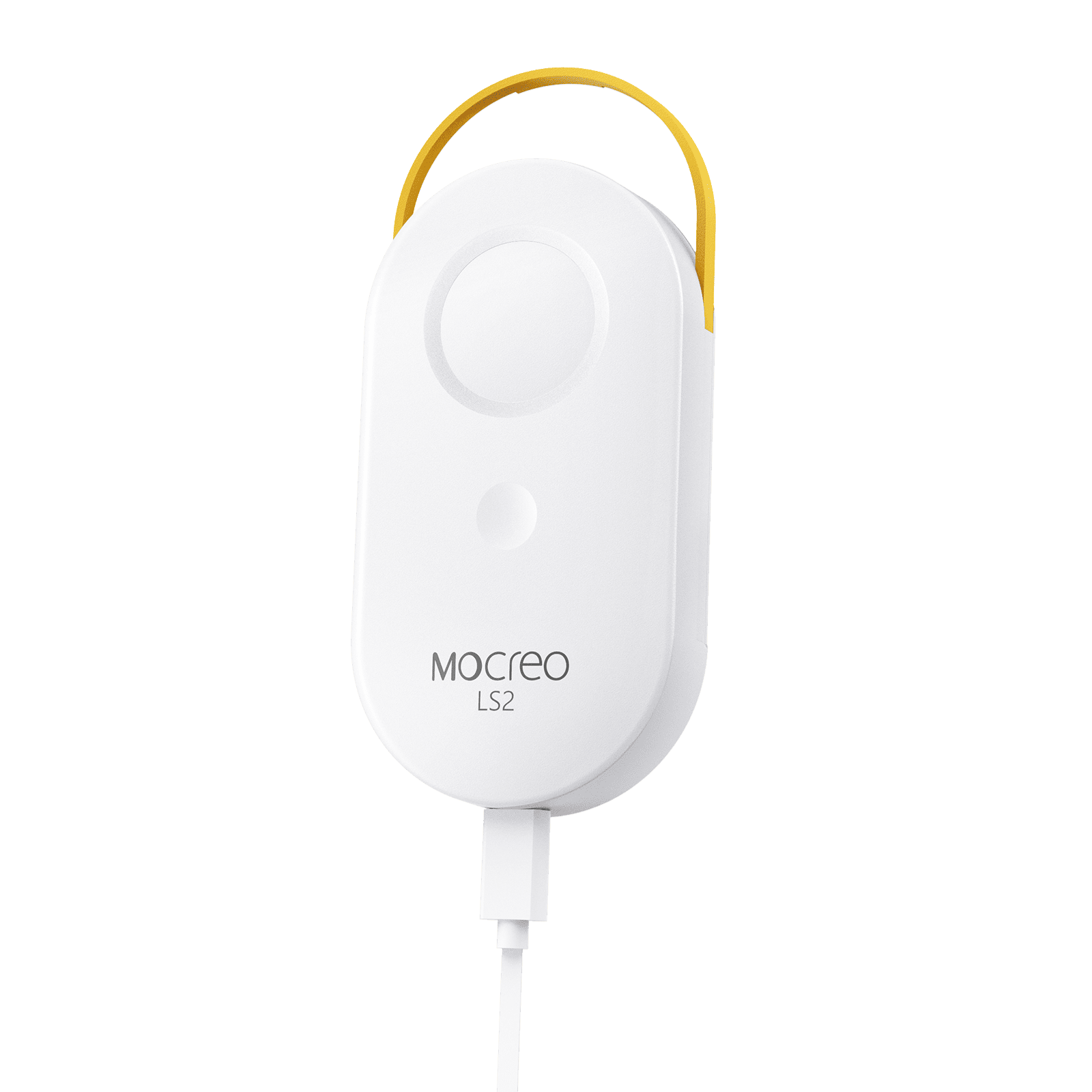
LS2
Velcro mounting and external probe placement.
Temperature & Humidity
NS2
Velcro mounting and direct Wi-Fi placement.
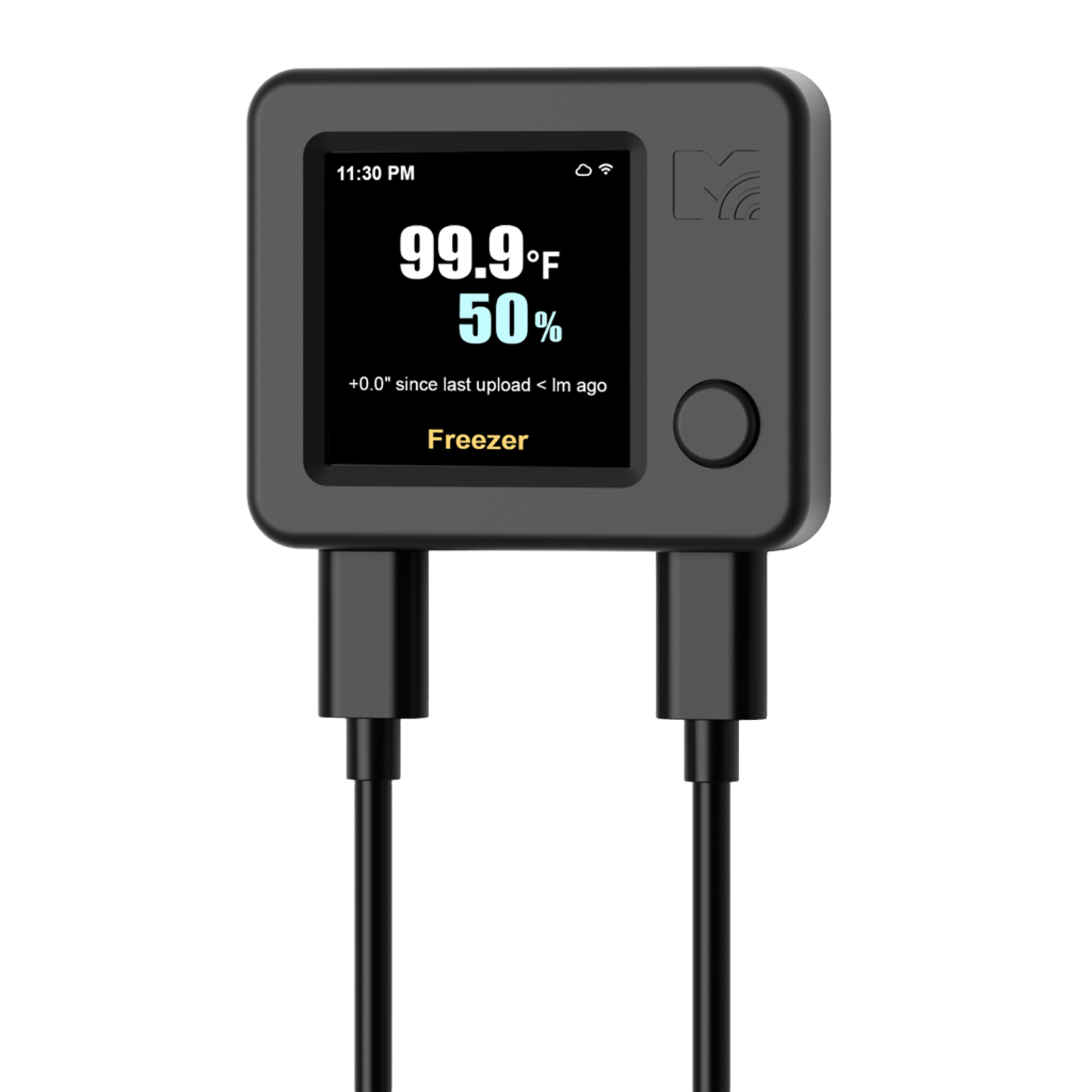
NS3
Velcro mounting and dual-probe placement.
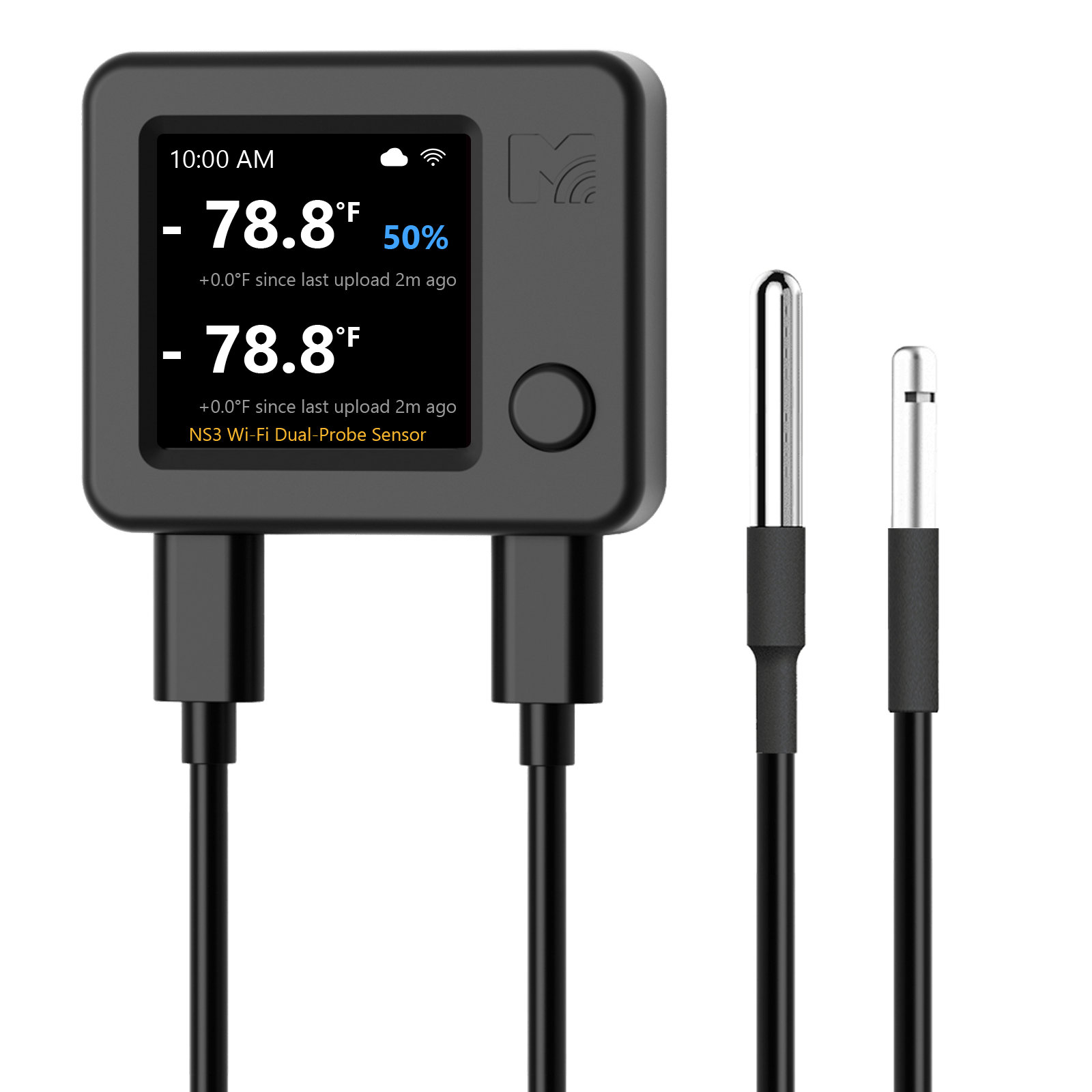
SD1
Magnetic mounting for refrigerator and freezer monitoring.
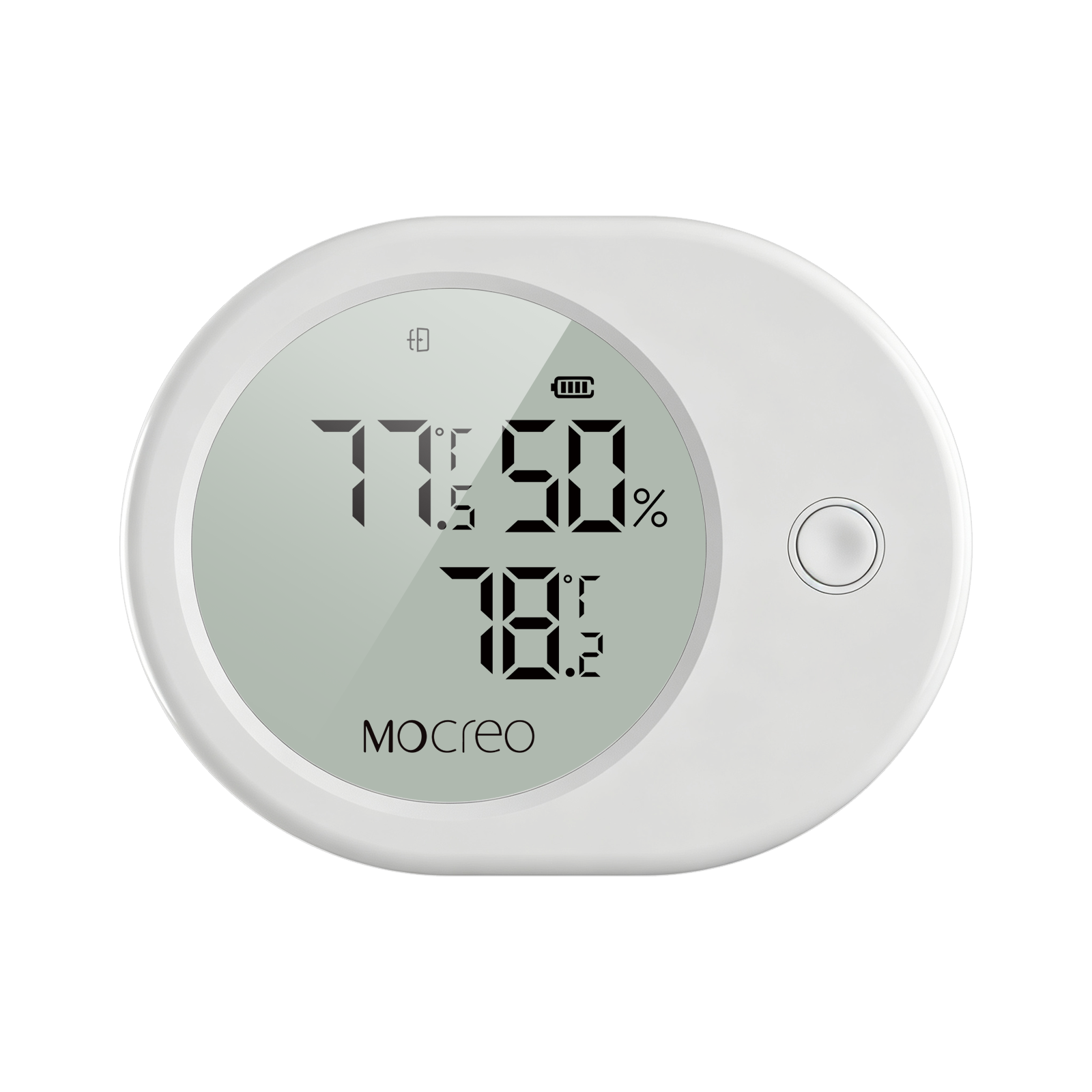
ST6
Velcro mounting and temperature/humidity placement.
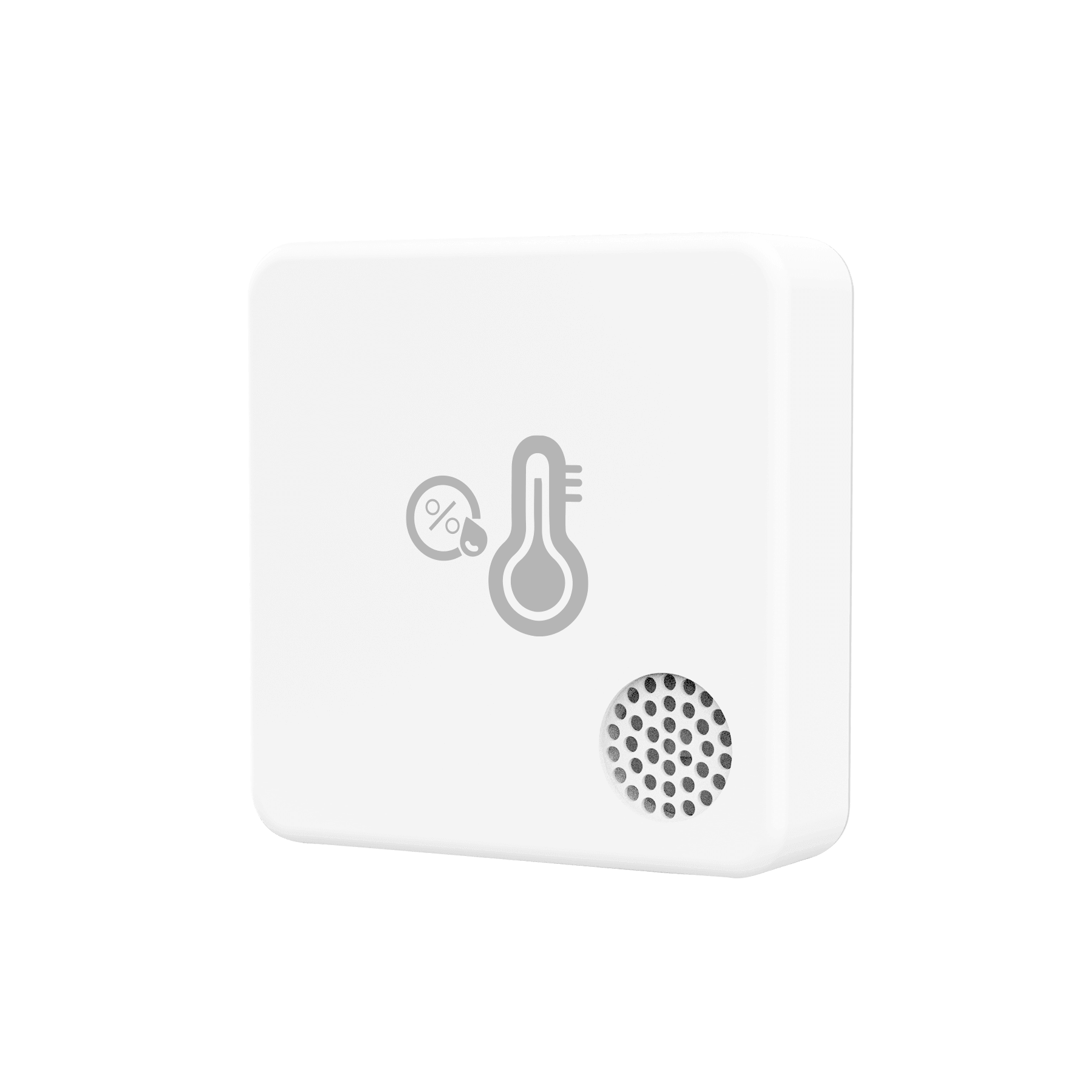
ST9
Velcro mounting and external probe placement.
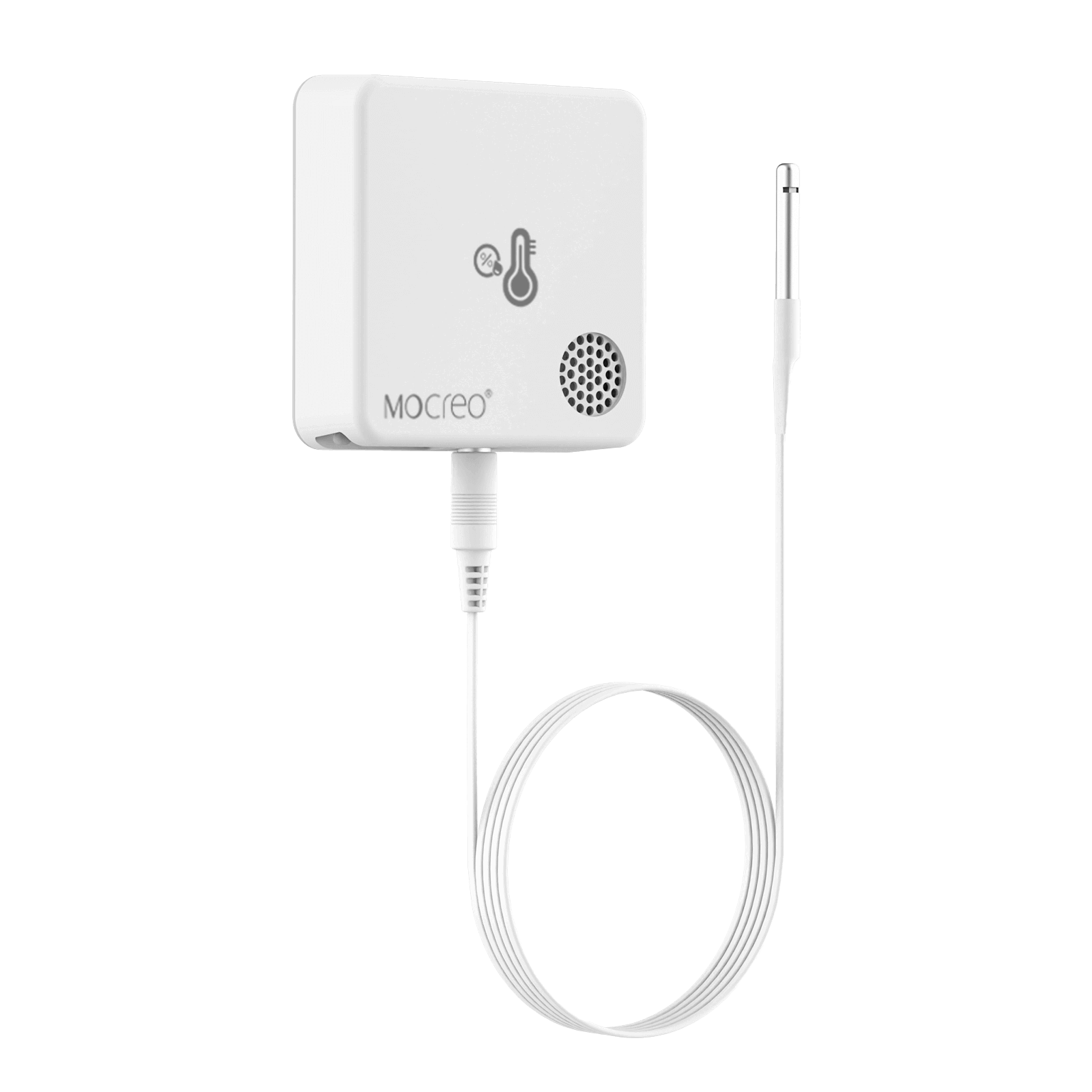
LS3
Velcro mounting for temperature and humidity monitoring.
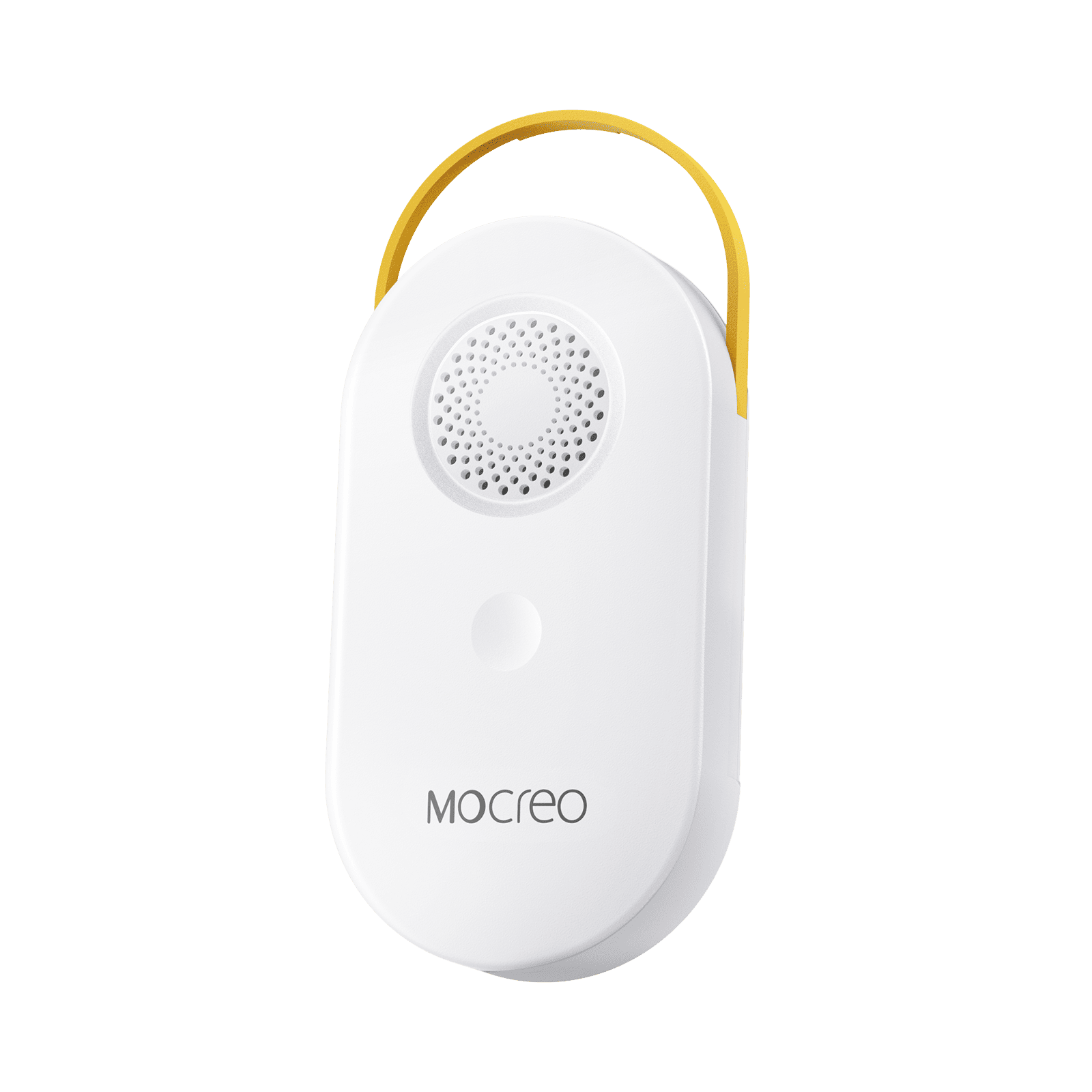
Security & Alarms
SW2
Velcro mounting and external water-leak probe placement.
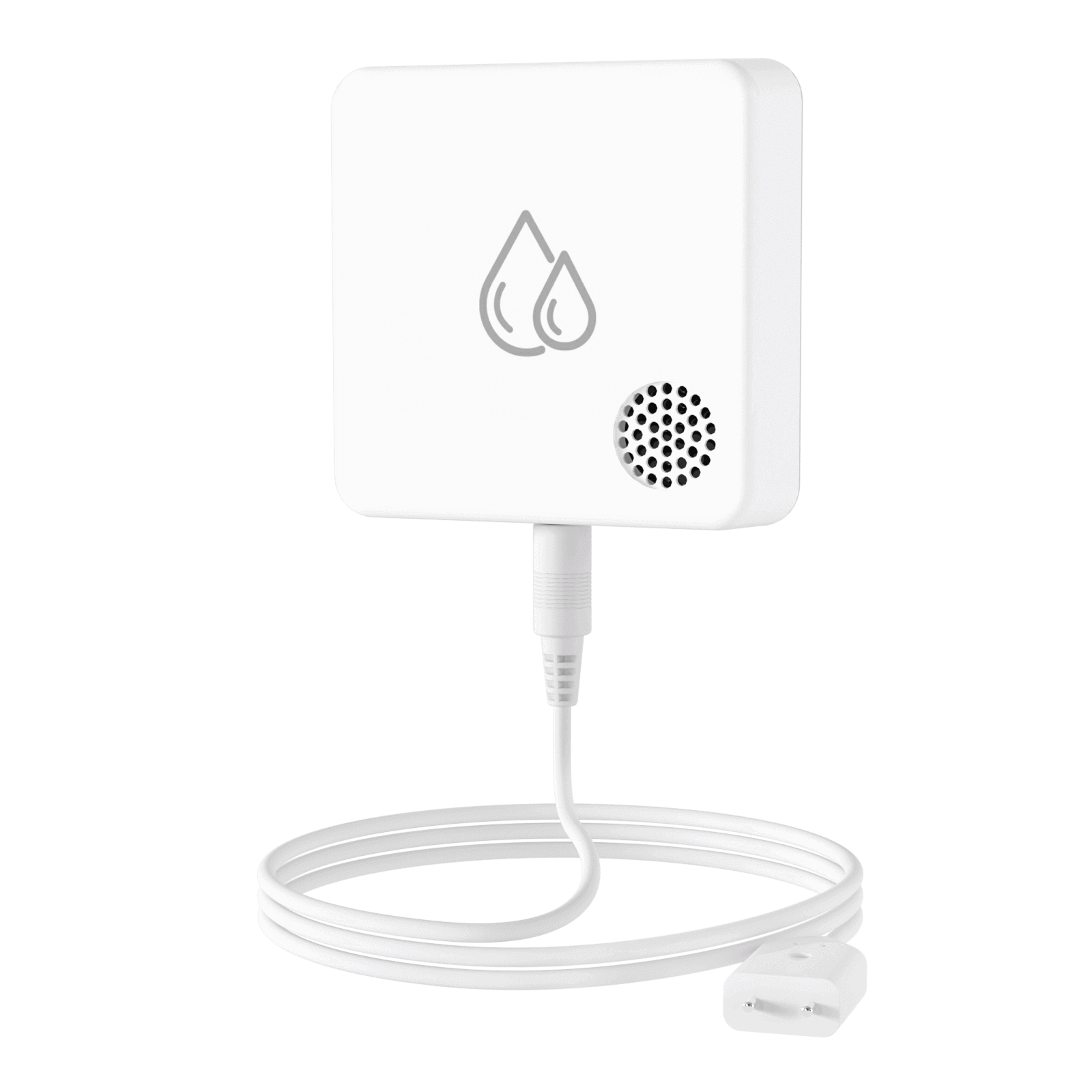
SW3
Stable flat-surface placement for multi-contact water-leak detection.
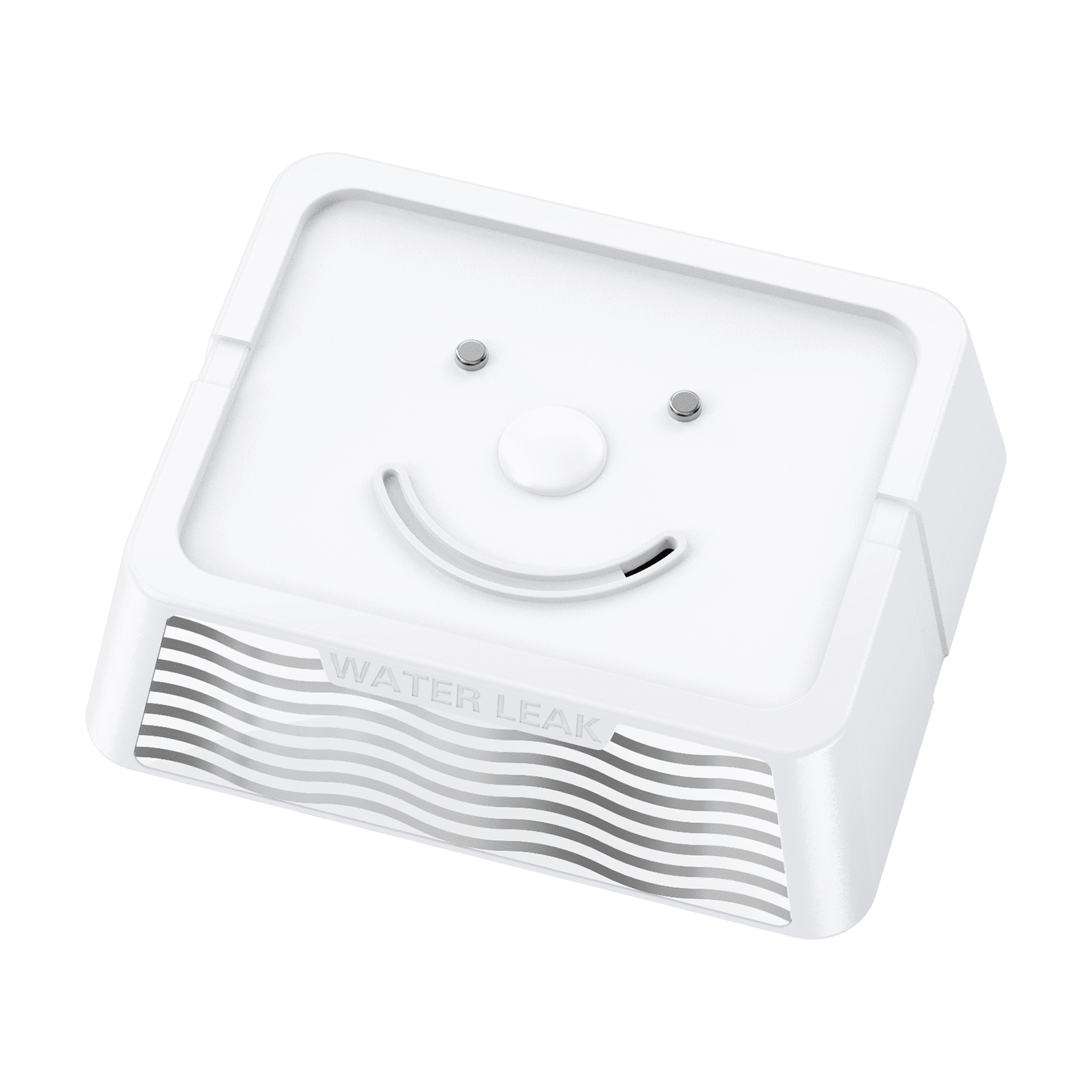
LW1
Flat-surface placement for long-range leak monitoring.
LD1
Velcro mounting and door/window alignment.
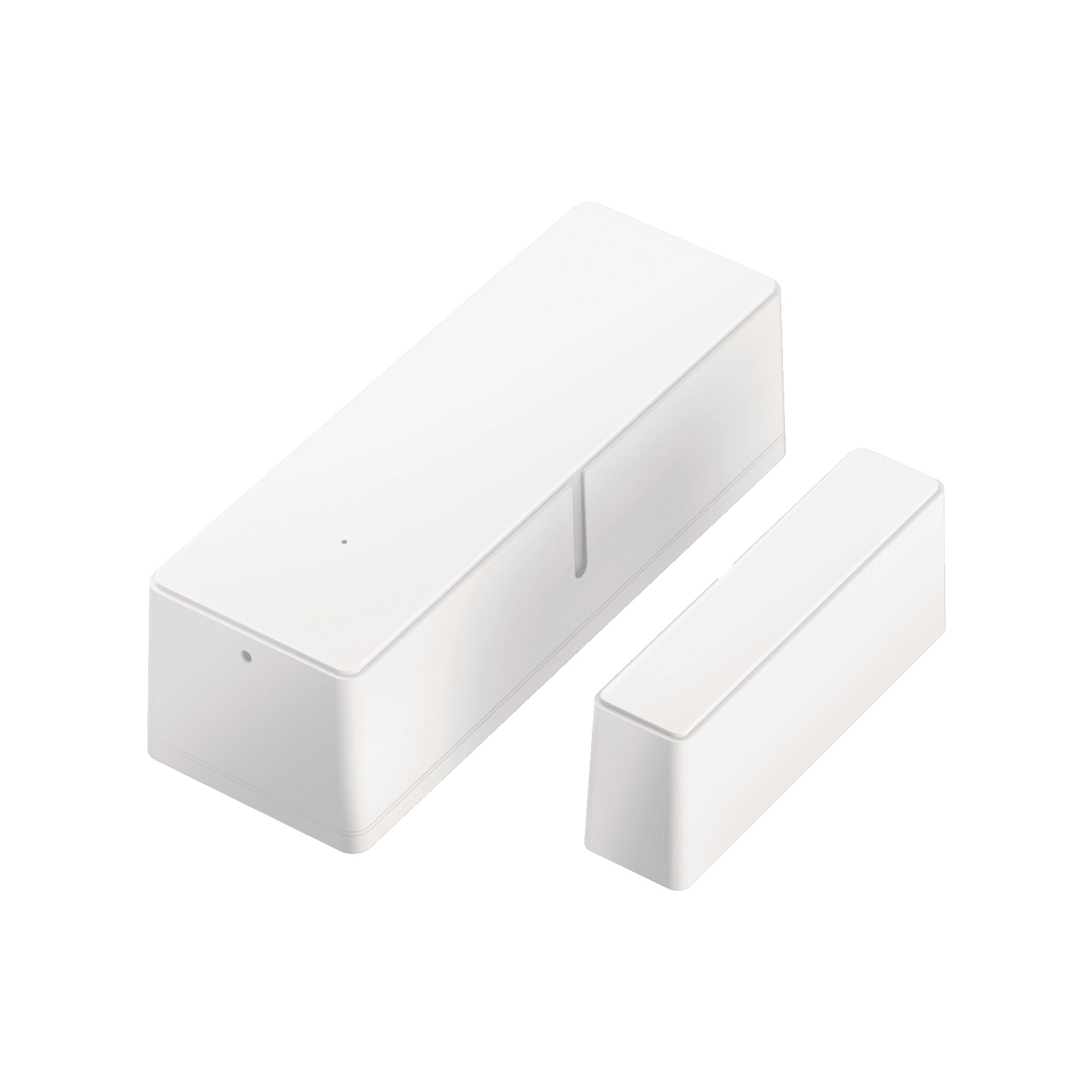
LB1
Screw mounting or stable flat-surface placement.
Common Deployment Rules
Choose a Representative Location
- Keep temperature sensors away from direct sunlight, heaters, electronics, fans, air-conditioning outlets, and cooling vents.
- Leave open space around the sensor or probe so air can circulate.
- Do not let a temperature probe touch food or a refrigerator wall directly.
- Keep leak probes at the lowest likely collection point without putting the transmitter body in standing water.
Protect the Sensor Body
- Keep non-waterproof sensor bodies outside high-humidity and condensation-prone spaces whenever an external probe is available.
- If a body must be placed inside, use appropriate moisture protection and food-grade desiccant.
- IP67 protection helps against splashing and temporary submersion; it does not imply unlimited underwater use.
Preserve the Wireless Connection
- Metal appliances, cabinets, machinery, and reinforced walls reduce wireless range.
- Confirm the sensor remains online after closing doors and completing installation.
- Verify that the latest data timestamp continues to update before leaving the site.