H3 App Addition Guide
Contact SupportConfirm that the H3 appears in the App and shows as online.
Before You Start
- H3 Hub
- A powered wall outlet
- A phone with the MOCREO Smart App installed
- The App permissions requested during setup
Add H3 in the MOCREO Smart App
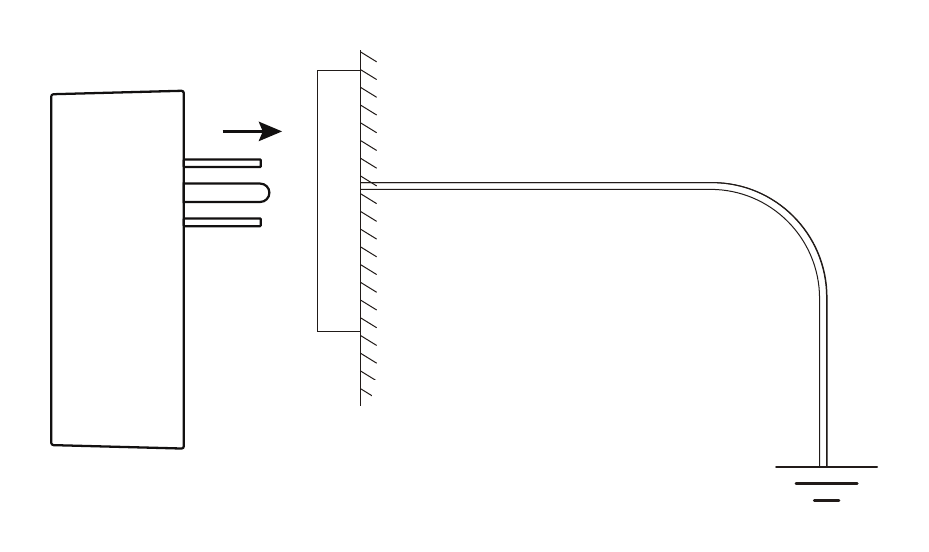
- Plug the H3 directly into a powered wall outlet. It does not use a power adapter or power cable.
- Press and hold its Setup button for 5 seconds.
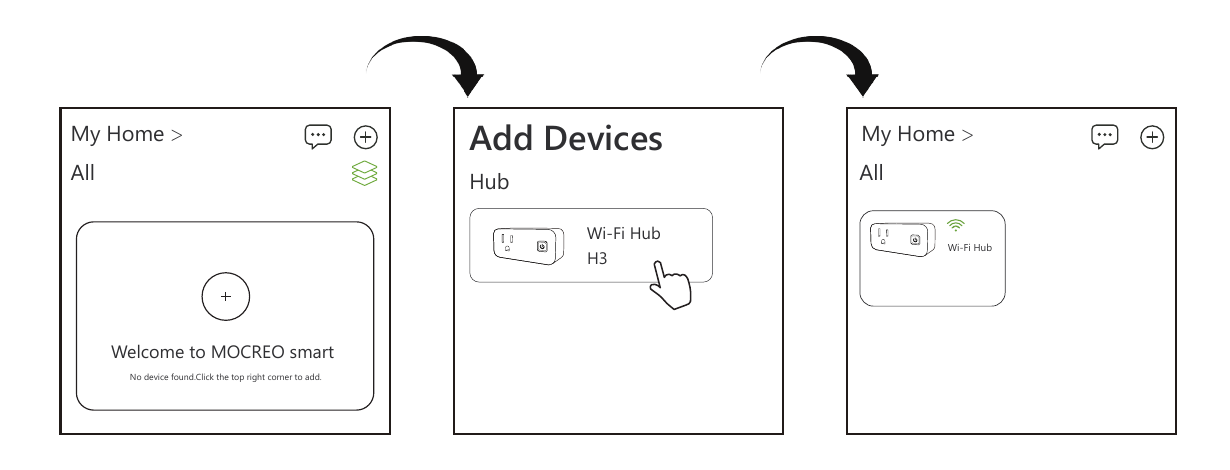
- Open the MOCREO Smart App, tap +, and select H3.
- Follow the in-app instructions and grant the requested phone permissions.
Confirm the Device Was Added
Confirm that the H3 appears in the App and shows as online.
If setup fails, record the message shown on the H3 and in the App before contacting MOCREO Support.