H5-Lite App Addition Guide
Contact SupportConfirm that the H5-Lite appears in the App and shows as online.
Before You Start
- H5-Lite Hub
- Supplied power adapter and power cable
- A phone with the MOCREO Smart App installed
- The App permissions requested during setup
Add H5-Lite in the MOCREO Smart App
- Connect the H5-Lite to power with the supplied adapter and cable.
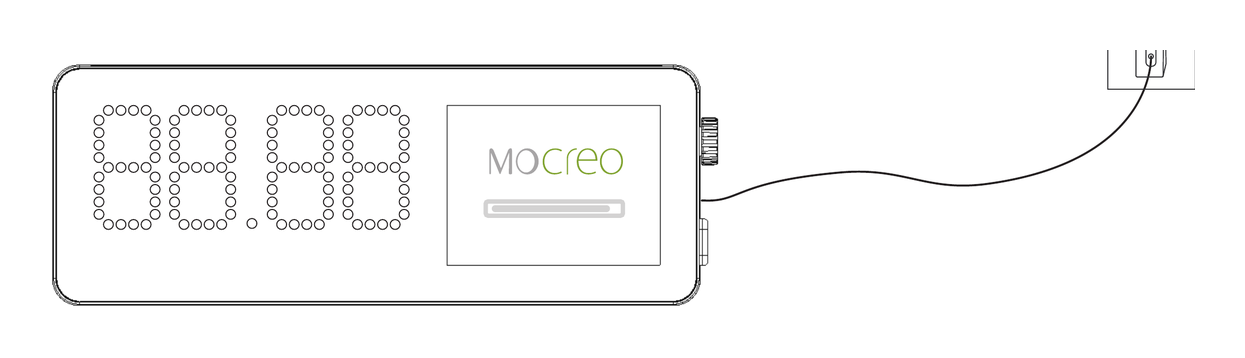
- Wait for the Hub screen and status light to turn on.
- Open the MOCREO Smart App, tap +, and select H5-Lite.
- Follow the in-app instructions and grant the requested phone permissions.
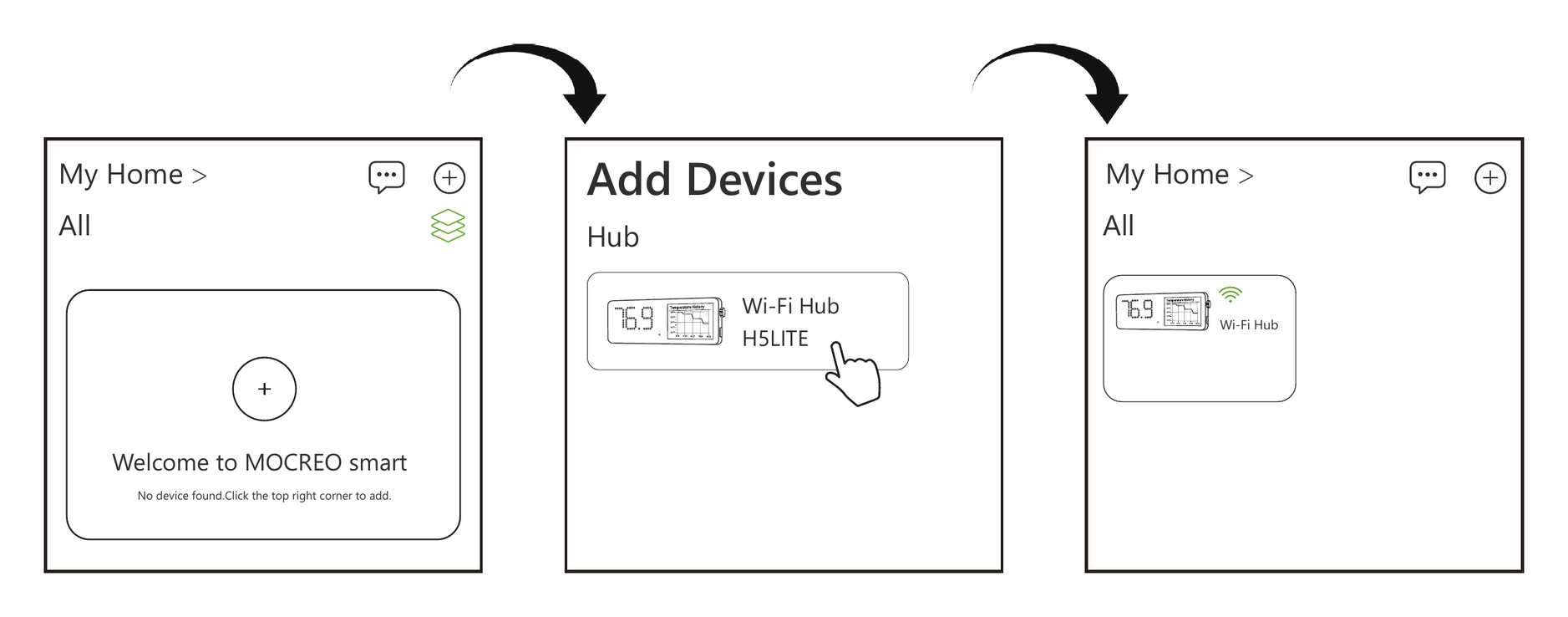
Confirm the Device Was Added
Confirm that the H5-Lite appears in the App and shows as online.
If setup fails, record the message shown on the H5-Lite and in the App before contacting MOCREO Support.