SW2 Deployment Guide
Contact SupportUse this guide after the SW2 has been added to the MOCREO Smart App and confirmed online.
Use this guide after the SW2 has been added to the MOCREO Smart App and confirmed online.
SW2 DEPLOYMENT MAP
Mount, place, and verify
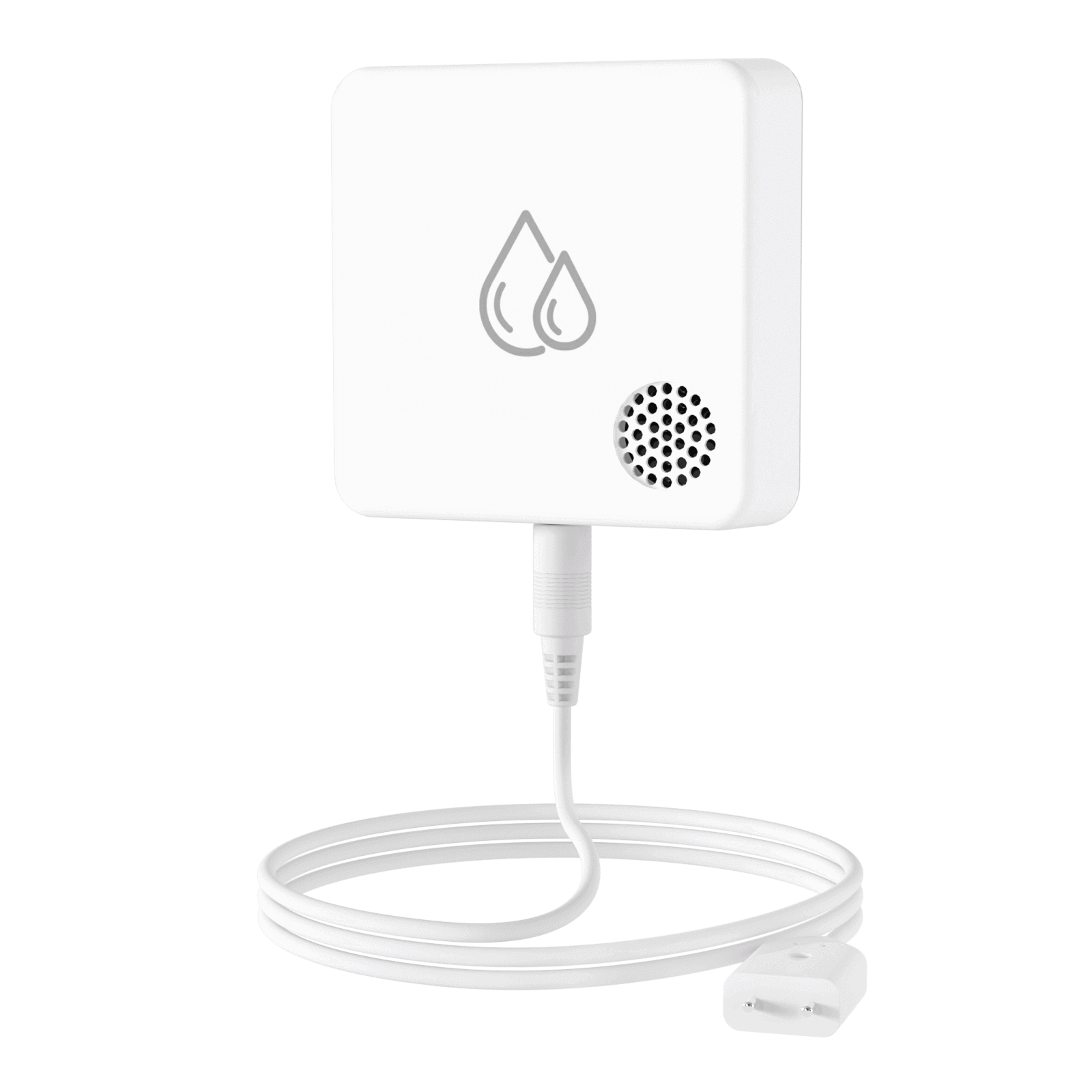
SW2
01 · MOUNT
Attach the transmitter above the floor with Velcro and route the external leak probe down to the monitored surface.
02 · PLACE
Put the sensing section at the lowest likely water collection point near the appliance, pipe, or drain being monitored.
03 · VERIFY
Apply a small controlled amount of water to the probe, confirm the alert, then dry and return it to the monitoring position.
Avoid: Placing the transmitter in standing water, stretching the cable across walkways, or hiding the probe above the likely leak level.