ST9 Deployment Guide
Contact SupportUse this guide after the ST9 has been added to the MOCREO Smart App and confirmed online.
Use this guide after the ST9 has been added to the MOCREO Smart App and confirmed online.
ST9 DEPLOYMENT MAP
Mount, place, and verify
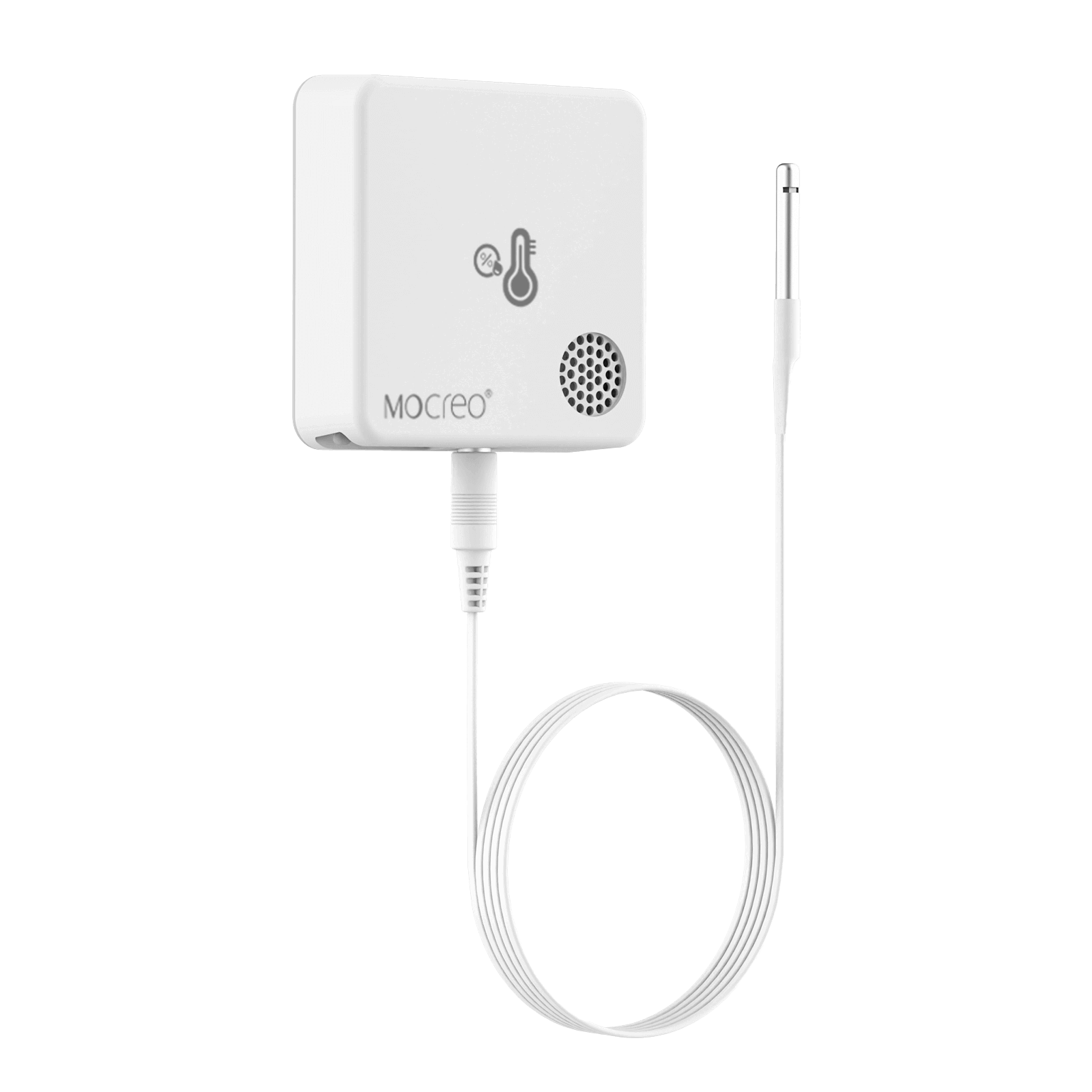
ST9
01 · MOUNT
Secure the main unit to a clean, dry surface with Velcro and route the external probe without sharply bending the cable.
02 · PLACE
Place the external probe where temperature and humidity should be measured; keep the main unit dry and within reliable Hub range.
03 · VERIFY
Confirm the ST9 remains online and that both temperature and humidity readings reflect conditions at the external probe.
Avoid: Condensation on the main unit, pinched cables, direct airflow, and probe contact with food, walls, or heat sources.