NS2 Deployment Guide
Contact SupportUse this guide after the NS2 has been added to the MOCREO Smart App and confirmed online.
Use this guide after the NS2 has been added to the MOCREO Smart App and confirmed online.
NS2 DEPLOYMENT MAP
Mount, place, and verify
NS2
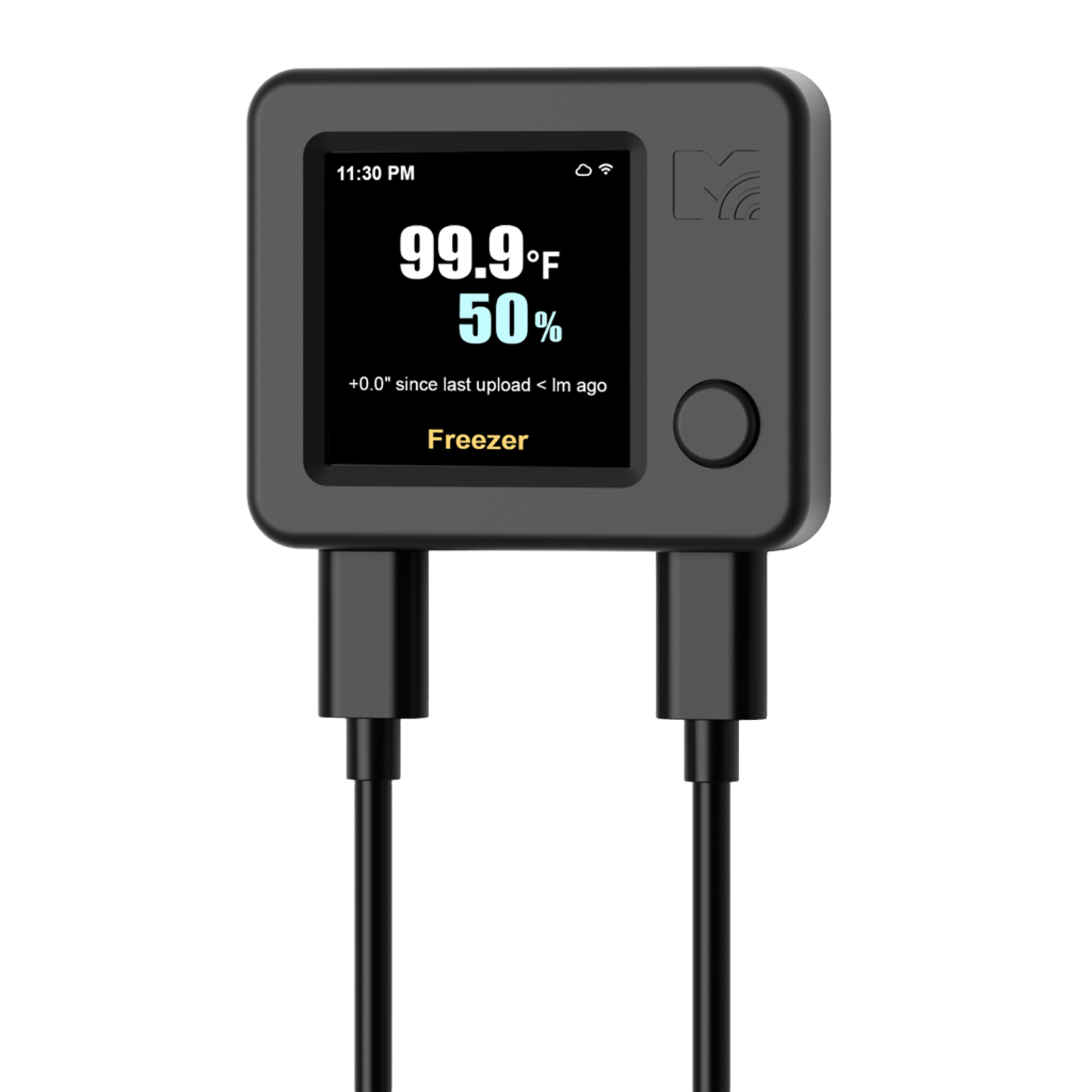
01 · MOUNT
Clean and dry the surface, then secure the NS2 body with the supplied adhesive fastener.
02 · PLACE
Choose an open-air location representative of the monitored space while keeping reliable Wi-Fi coverage.
03 · VERIFY
Confirm Wi-Fi status, then check that both temperature and humidity timestamps continue to update.
Avoid: Direct sunlight, heaters, cooling vents, fans, condensation, and enclosed corners with poor air circulation.