SD1 Deployment Guide
Contact SupportUse this guide after the SD1 has been added to the MOCREO Smart App and confirmed online.
Use this guide after the SD1 has been added to the MOCREO Smart App and confirmed online.
SD1 DEPLOYMENT MAP
Mount, place, and verify
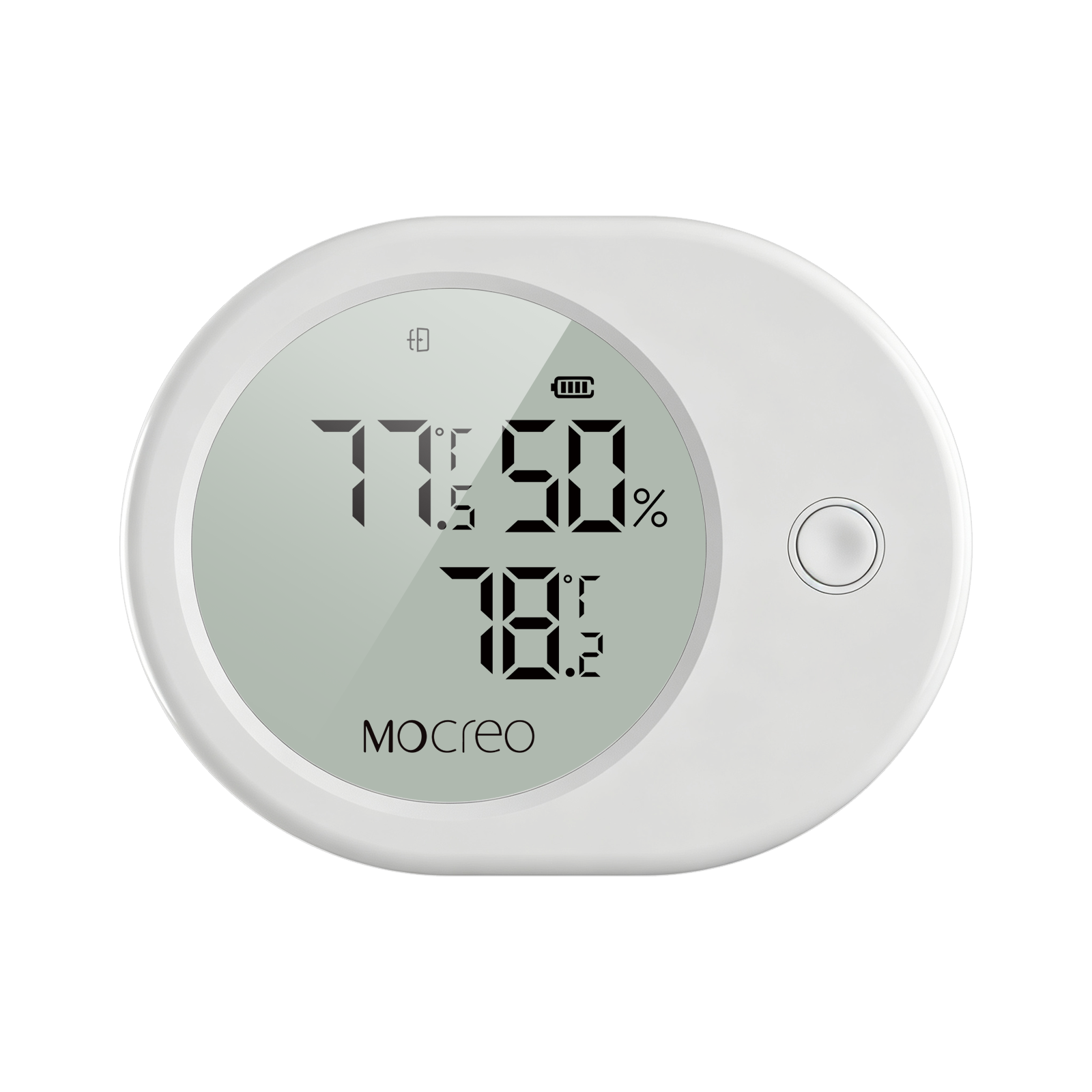
SD1
01 · MOUNT
Attach the magnetic main unit to a stable exterior metal surface and route the probes into their assigned compartments.
02 · PLACE
Position each probe near the middle of its refrigerator or freezer zone with air space around the sensing tip.
03 · VERIFY
Close the doors, confirm the appliance seals normally, and verify all displayed channels continue to update.
Avoid: Pinched door seals, probes touching food or cooling walls, cable confusion between zones, and blocked wireless paths.