NS3 Deployment Guide
Contact SupportUse this guide after the NS3 has been added to the MOCREO Smart App and confirmed online.
Use this guide after the NS3 has been added to the MOCREO Smart App and confirmed online.
NS3 DEPLOYMENT MAP
Mount, place, and verify
NS3
01 · MOUNT
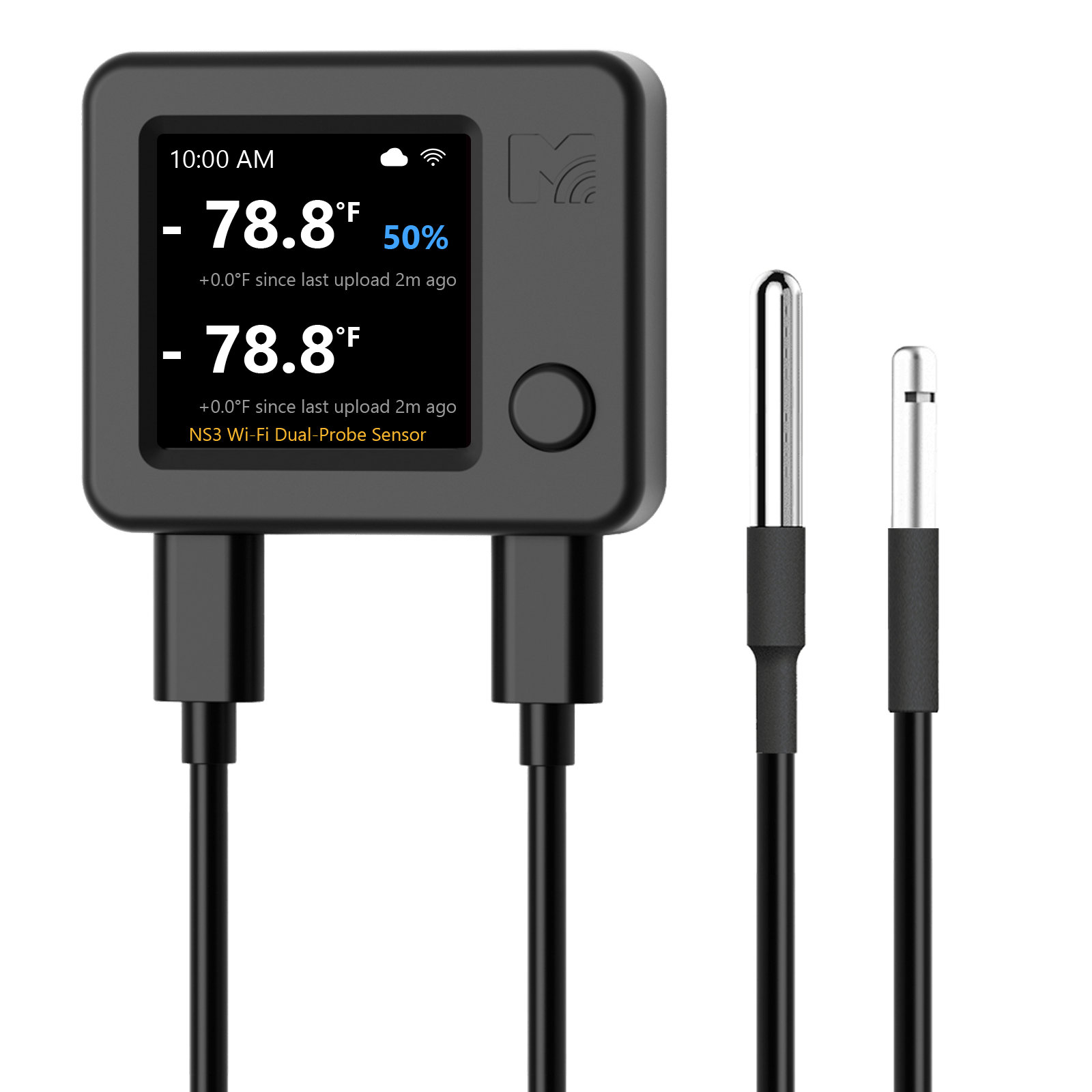
Secure the NS3 body with the adhesive fastener and route both probe cables without sharp bends or pinching.
02 · PLACE
Place each probe in its intended zone with open space around it, and keep the main unit within reliable Wi-Fi range.
03 · VERIFY
Confirm both probe channels report from the intended zones and that their latest data times continue to update.
Avoid: Crossing or confusing the two probe cables, direct contact with food or walls, cooling outlets, and wet power connections.