LS2 Deployment Guide
Contact SupportUse this guide after the LS2 has been added to the MOCREO Smart App and confirmed online.
Use this guide after the LS2 has been added to the MOCREO Smart App and confirmed online.
LS2 DEPLOYMENT MAP
Mount, place, and verify
LS2
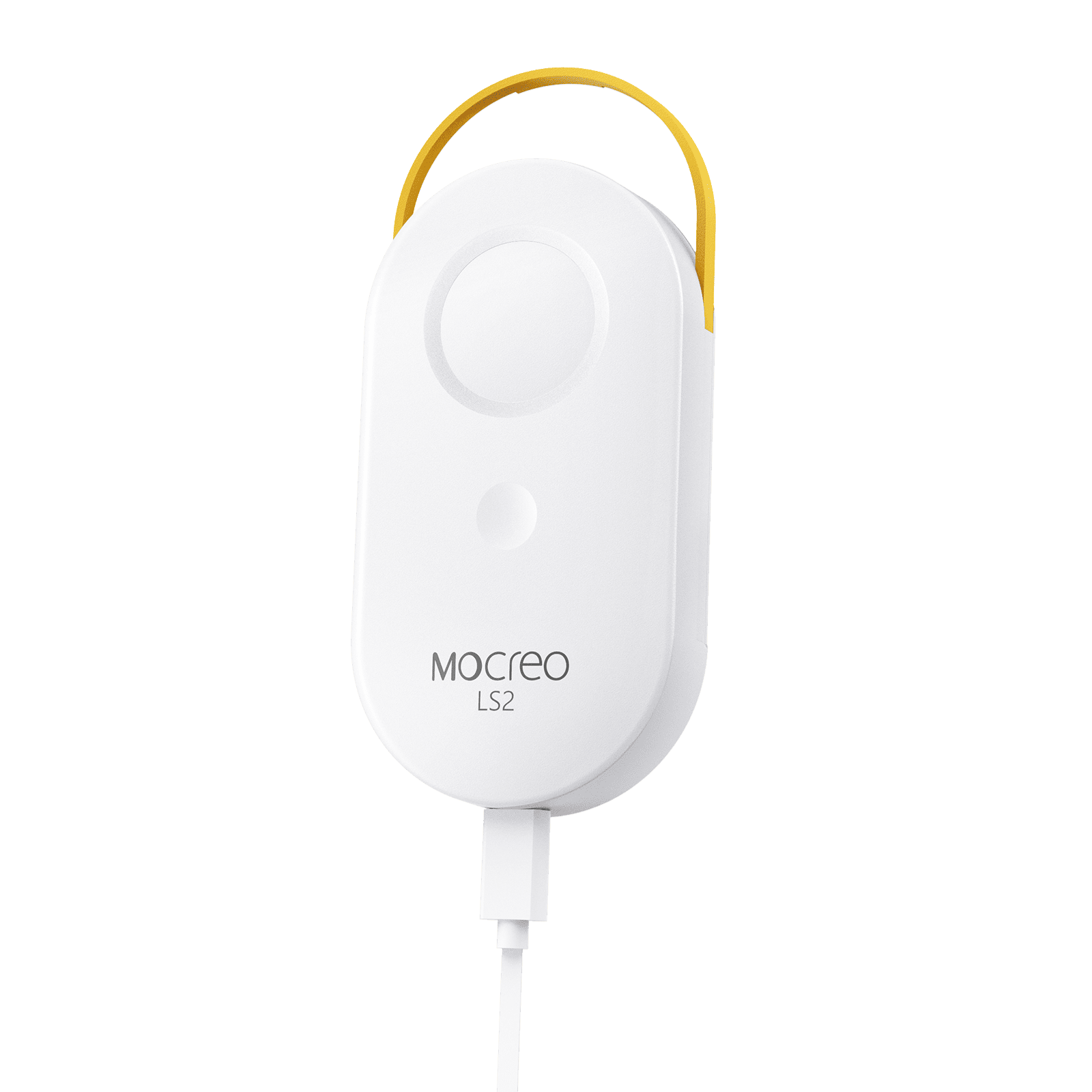
01 · MOUNT
Secure the main unit to a clean, dry surface with Velcro and route the external probe cable along a protected path.
02 · PLACE
Keep the body outside condensation-prone spaces and place only the probe near the center of the monitored area.
03 · VERIFY
Close any appliance door, confirm the LS2 remains online, and check that the probe reading time continues to advance.
Avoid: Moisture on the main unit, pinched cables, probe contact with food or walls, direct airflow, and heavy metal signal barriers.