MS3 Deployment Guide
Contact SupportUse this guide after the MS3 has been added to the MOCREO Smart App and confirmed online.
Use this guide after the MS3 has been added to the MOCREO Smart App and confirmed online.
MS3 DEPLOYMENT MAP
Mount, place, and verify
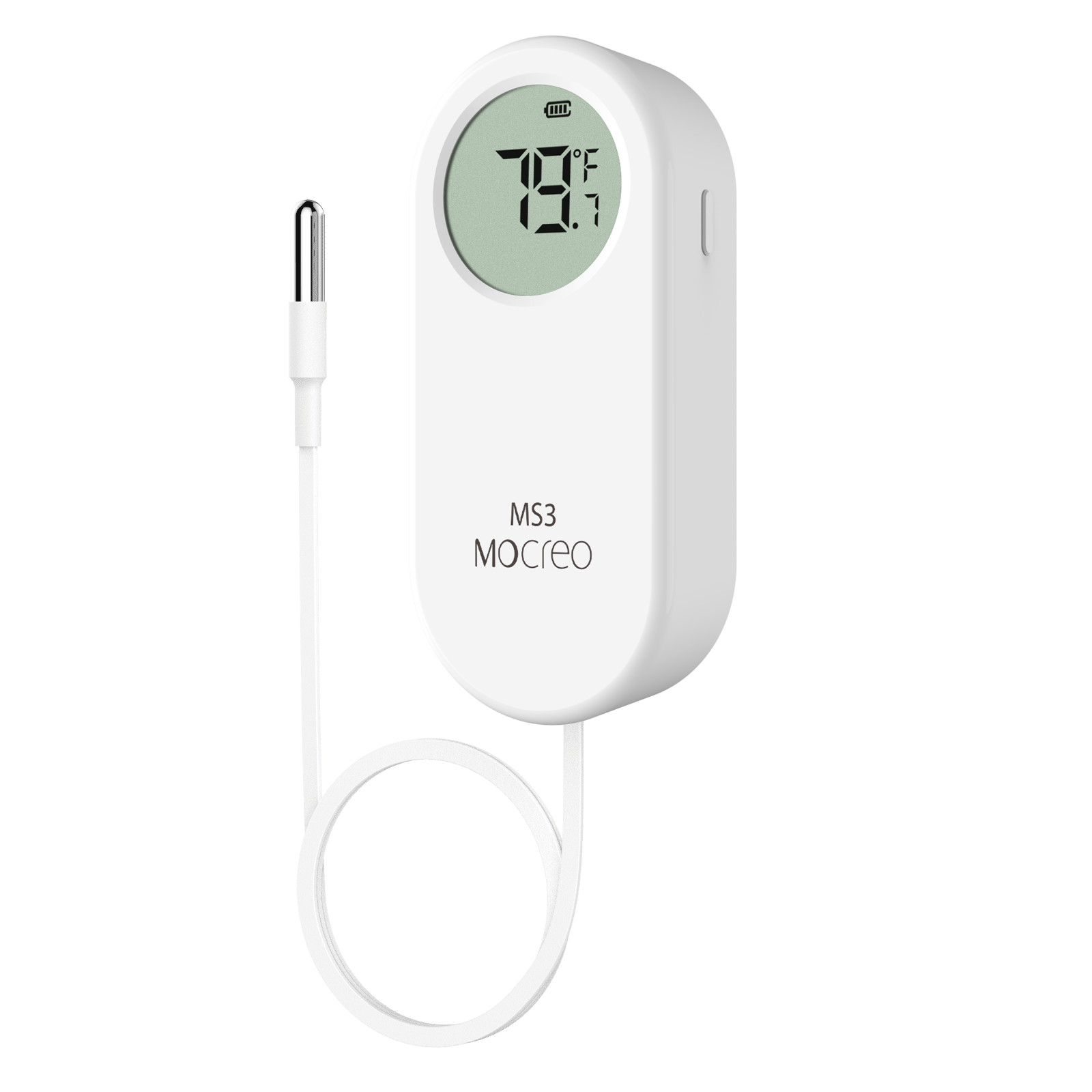
MS3
01 · MOUNT
Use the magnetic back or lanyard on a stable support, keep the display visible, and secure the external probe cable.
02 · PLACE
Keep the display body dry and position the probe in open air at the intended temperature measurement point.
03 · VERIFY
Compare the local display with the App, confirm the MS3 stays online, and check that the latest reading time advances.
Avoid: Weak mounting surfaces, blocked displays, condensation on the body, pinched cables, and direct probe contact with food or walls.