ST5 Deployment Guide
Contact SupportUse this guide after the ST5 has been added to the MOCREO Smart App and confirmed online.
Use this guide after the ST5 has been added to the MOCREO Smart App and confirmed online.
ST5 DEPLOYMENT MAP
Mount, place, and verify
ST5
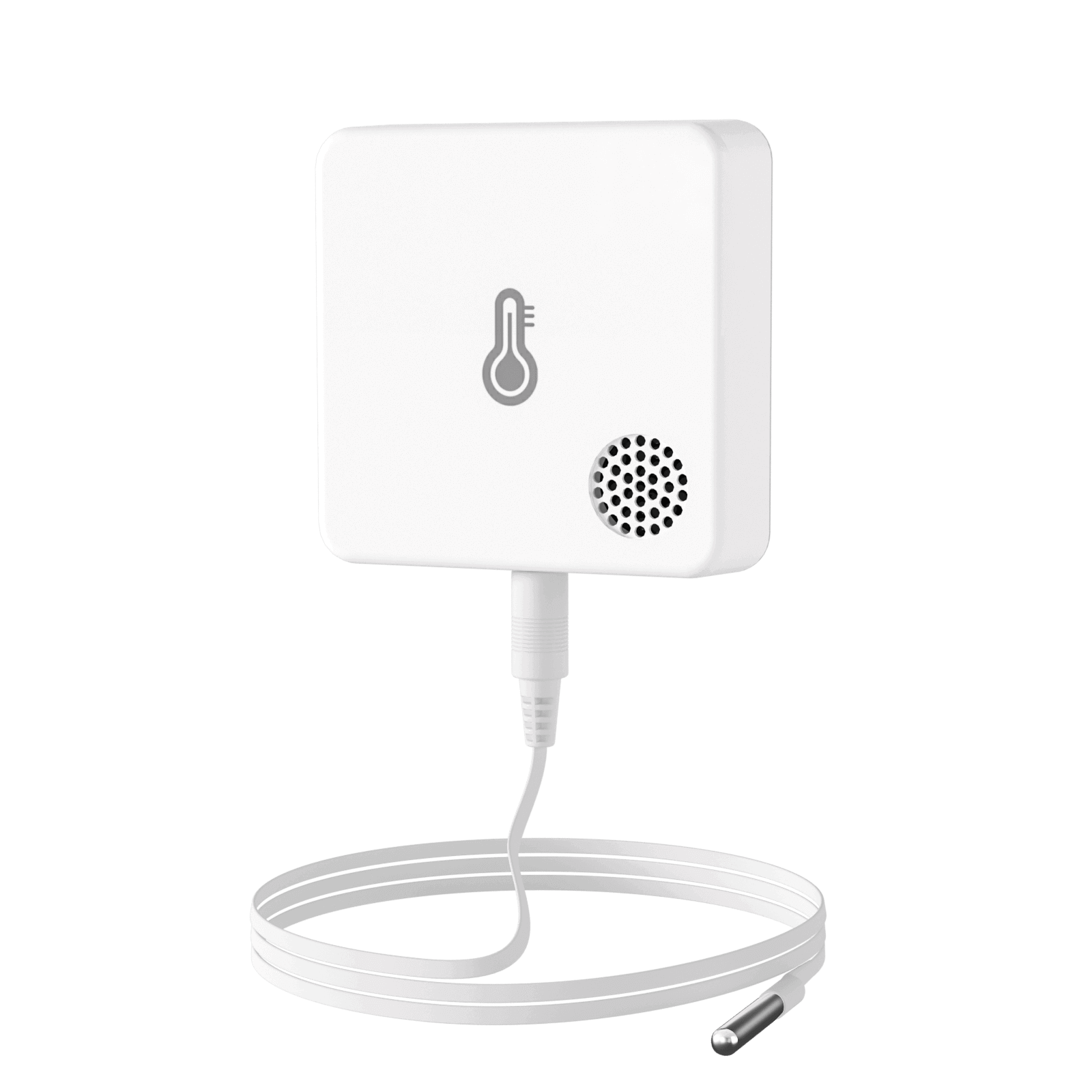
01 · MOUNT
Keep the main unit on a clean, dry surface and secure it with Velcro; route the external probe into the monitored area.
02 · PLACE
Place the probe near the middle of the monitored space where air can circulate around the sensing tip.
03 · VERIFY
Close any appliance door, confirm the ST5 stays online through its Hub, and check that the reading time advances.
Avoid: Putting the non-waterproof body in condensation, pinching the cable, or letting the probe touch food, walls, fans, or vents.