ST8 Deployment Guide
Contact SupportUse this guide after the ST8 has been added to the MOCREO Smart App and confirmed online.
Use this guide after the ST8 has been added to the MOCREO Smart App and confirmed online.
ST8 DEPLOYMENT MAP
Mount, place, and verify
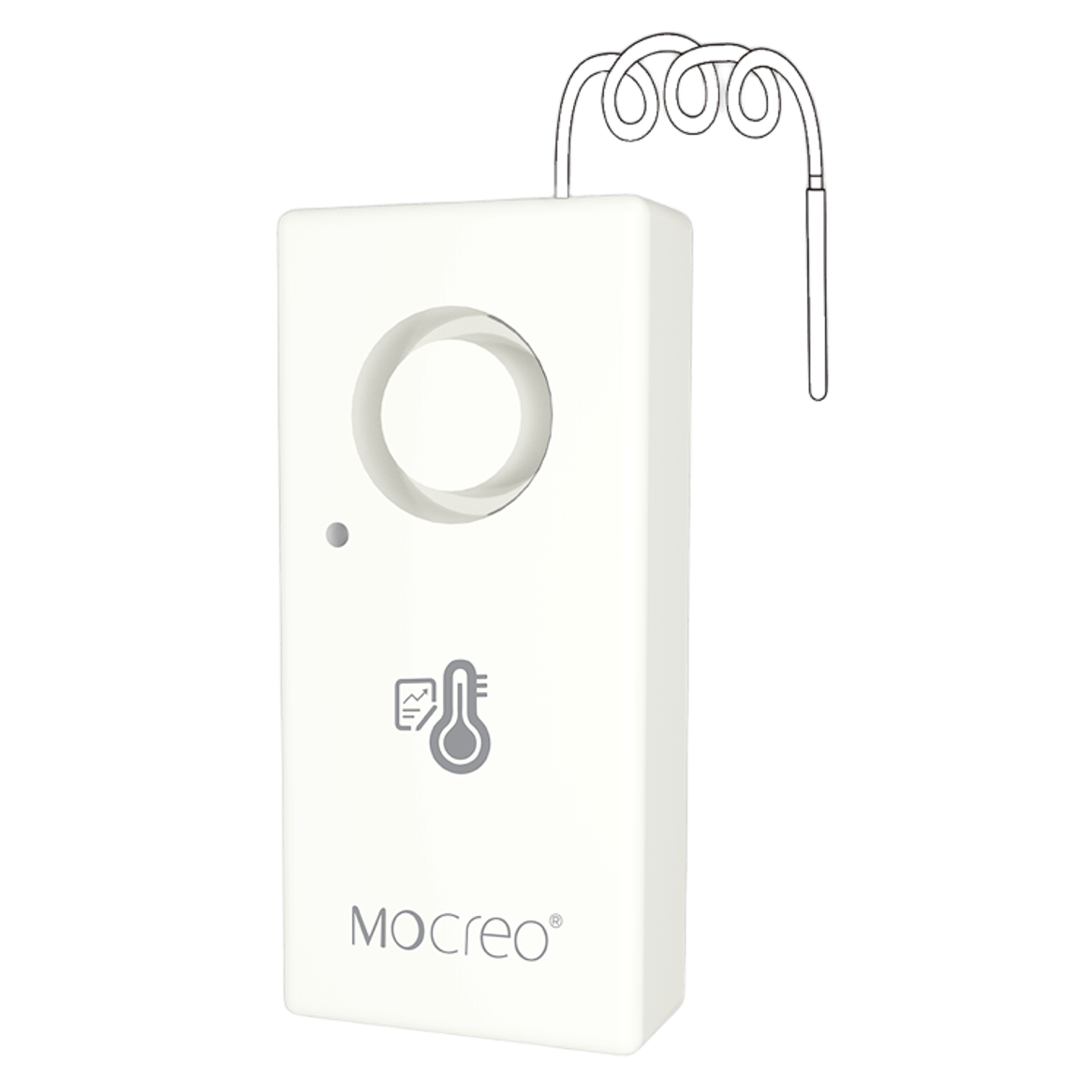
ST8
01 · MOUNT
Set the main unit upright on a stable, dry, flat surface and secure the probe cable so it cannot be pulled or crushed.
02 · PLACE
Keep the main unit outside the hot measurement zone and place only the probe at the intended measurement point.
03 · VERIFY
Confirm the main unit remains online and compare several readings after the probe reaches a stable temperature.
Avoid: Exposing the main unit to high heat, routing the cable across moving parts, or placing the probe where local heat is unrepresentative.