ST10 Deployment Guide
Contact SupportUse this guide after the ST10 has been added to the MOCREO Smart App and confirmed online.
Use this guide after the ST10 has been added to the MOCREO Smart App and confirmed online.
ST10 DEPLOYMENT MAP
Mount, place, and verify
ST10
01 · MOUNT
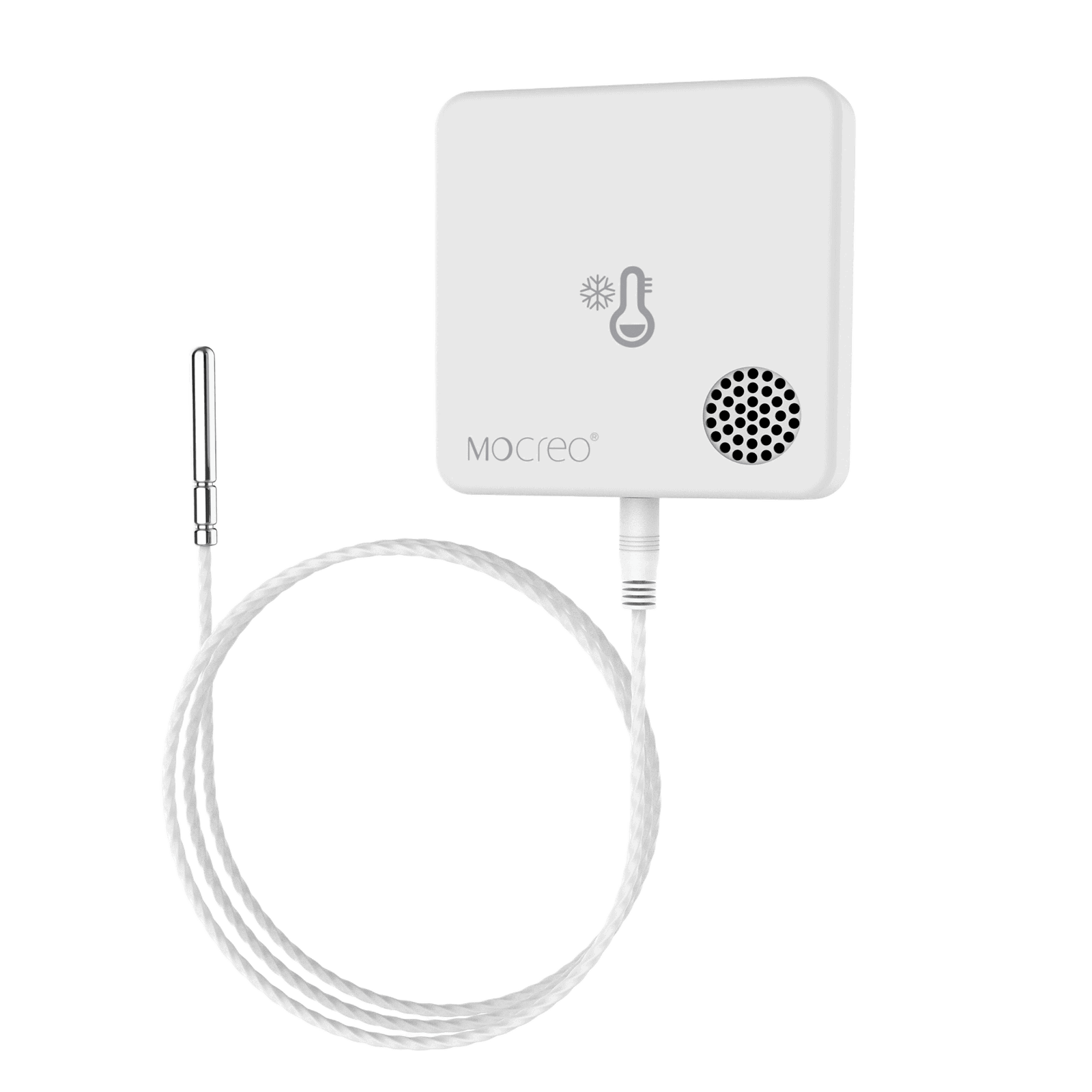
Mount the main unit on a clean, dry exterior surface with Velcro and secure the probe cable along a protected route.
02 · PLACE
Keep the main unit outside the ultra-low-temperature space and place only the probe at the representative measurement point.
03 · VERIFY
Close the door, confirm the ST10 remains online through its Hub, and allow the probe reading to stabilize.
Avoid: Putting the body inside the freezer, crushing the cable in a door seal, or placing the probe against a wall or cooling outlet.