MS2 Deployment Guide
Contact SupportUse this guide after the MS2 has been added to the MOCREO Smart App and confirmed online.
Use this guide after the MS2 has been added to the MOCREO Smart App and confirmed online.
MS2 DEPLOYMENT MAP
Mount, place, and verify
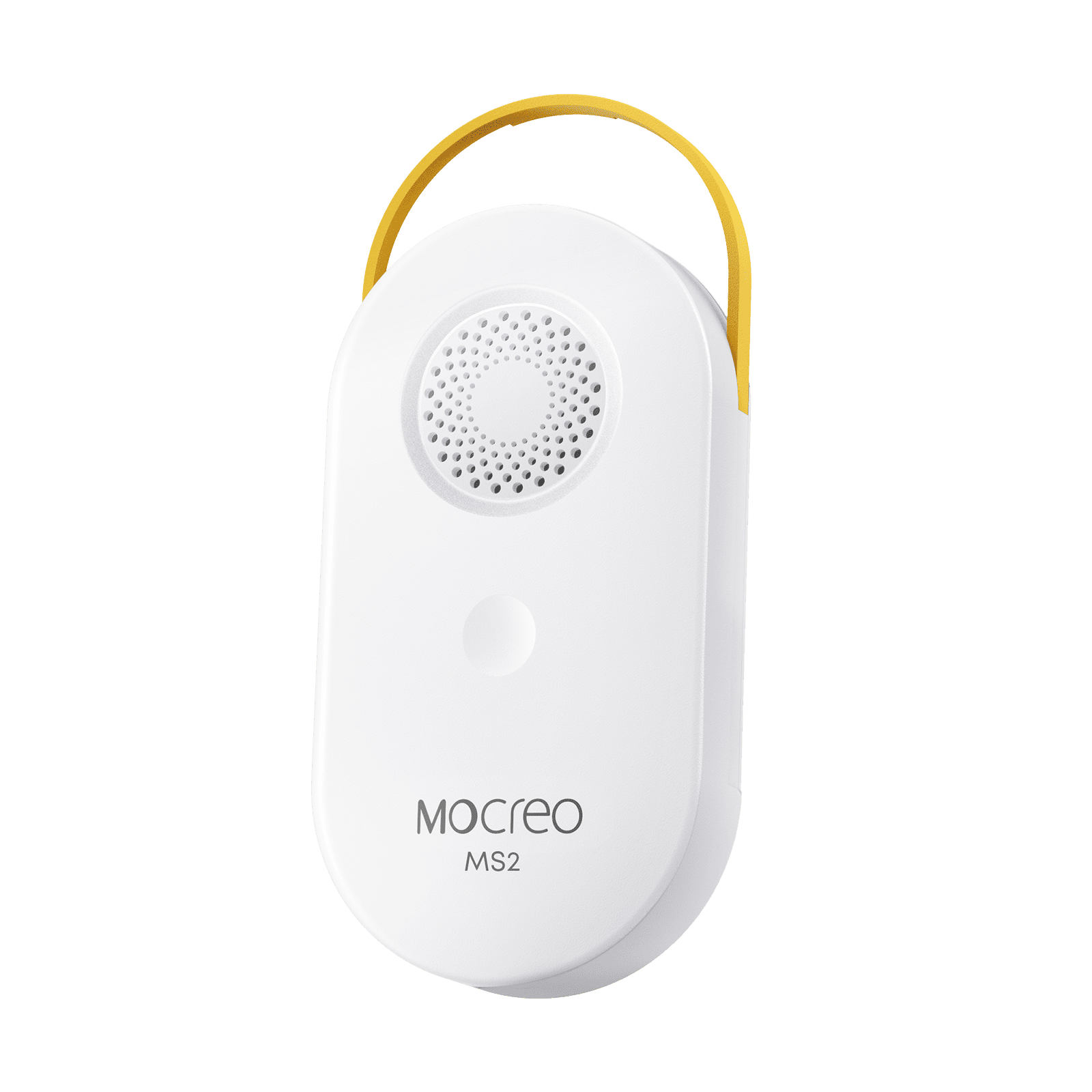
MS2
01 · MOUNT
Attach the main unit to a stable magnetic surface or suspend it securely with the lanyard, then protect the probe cable route.
02 · PLACE
Keep the body dry and position the external probe where surrounding air represents the monitored area.
03 · VERIFY
Confirm the MS2 remains online and that the reading continues to update after doors and covers are returned to normal.
Avoid: Weak magnetic surfaces, loose hanging points, condensation on the body, pinched cables, and direct probe contact with objects.