LS3 App Addition Guide
Contact SupportKeep the LS3 close to the phone during setup so the App can detect it through Bluetooth.
Before You Start
- LS3 sensor
- A signed-in MOCREO account with the selected asset containing an H5 Pro or H6 Pro LoRa Hub
- A phone with the MOCREO Smart App installed and Bluetooth enabled
Keep the LS3 close to the phone during setup so the App can detect it through Bluetooth.
Add LS3 in the MOCREO Smart App
- Pull out the LS3 battery insulation tab and hold its button for 3 seconds.
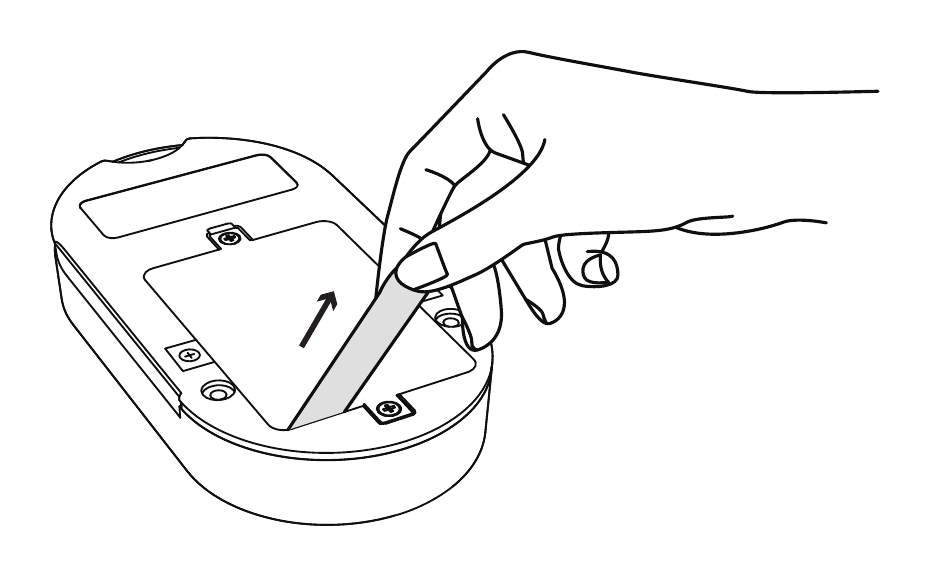
- Sign in to the MOCREO Smart App, select the asset that contains the H5 Pro or H6 Pro LoRa Hub, and confirm the Hub is online.
- On Home, tap + to open Add Devices. Select LS3 under Temperature & Humidity Sensor to start Bluetooth discovery.
- Keep the LS3 next to the phone until the addition finishes.
Confirm the Device Was Added
Confirm that the LS3 appears in the App, shows as online, and reports temperature and humidity data.
For mounting and placement, see the LS3 Deployment Guide.